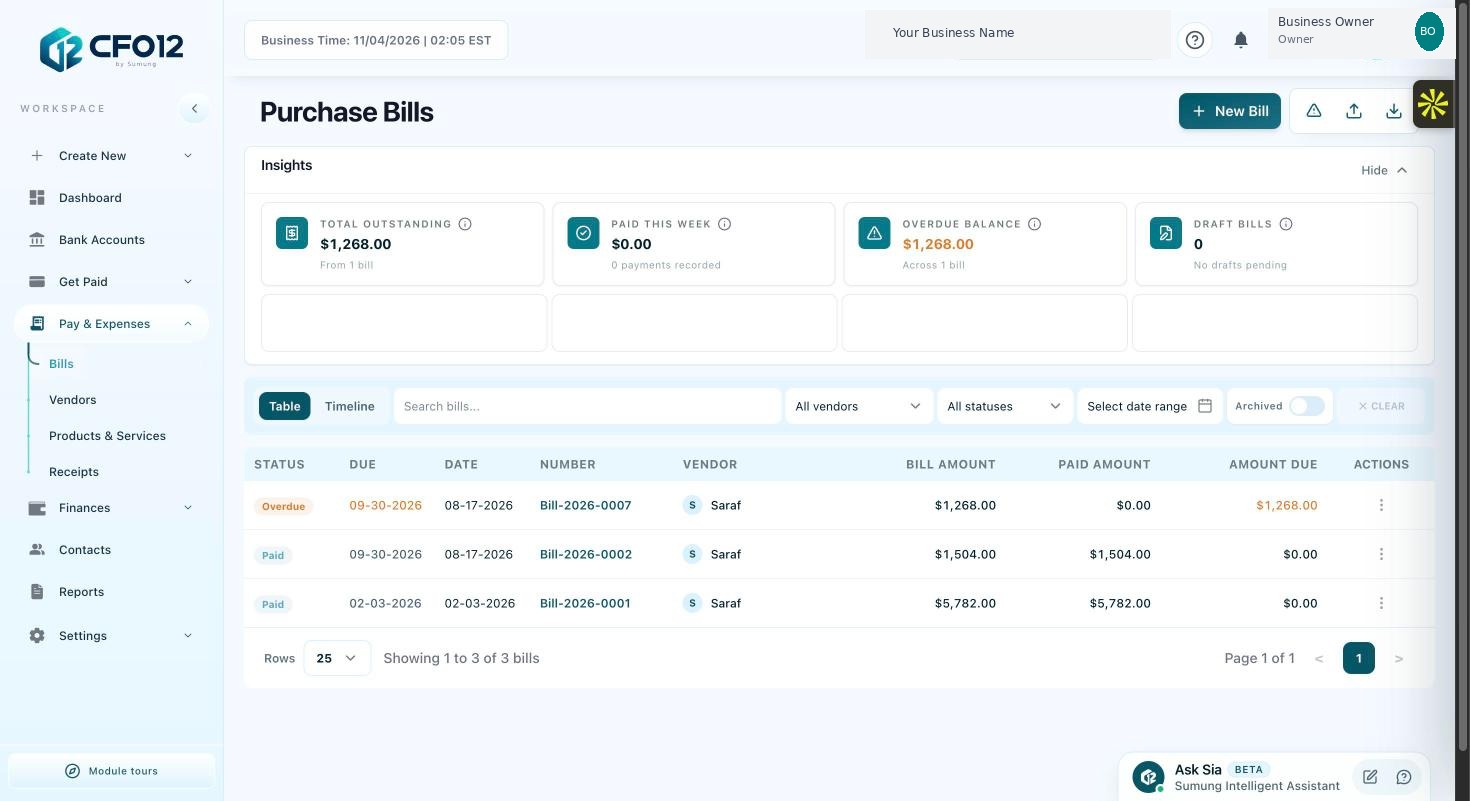
Bills in CFO12 include a reference number field so you can match the bill to the vendor's original invoice or your internal records.
What You Can Do
- Open or create a bill in Pay & Expenses > Bills.
- Find the reference number or Bill No. field on the bill form.
- Enter or review the reference number.
- The reference number appears on the bill detail page.
- Use it to match the CFO12 bill to the vendor's paper or emailed invoice.
💡 Keeping reference numbers consistent with your vendor's invoice numbers simplifies reconciliation and dispute resolution.
Related Articles
Was this article helpful?
Your feedback helps us improve our documentation.