Adding a P.O. or S.O. reference number to a bill stores it for your internal records.
What You Can Do
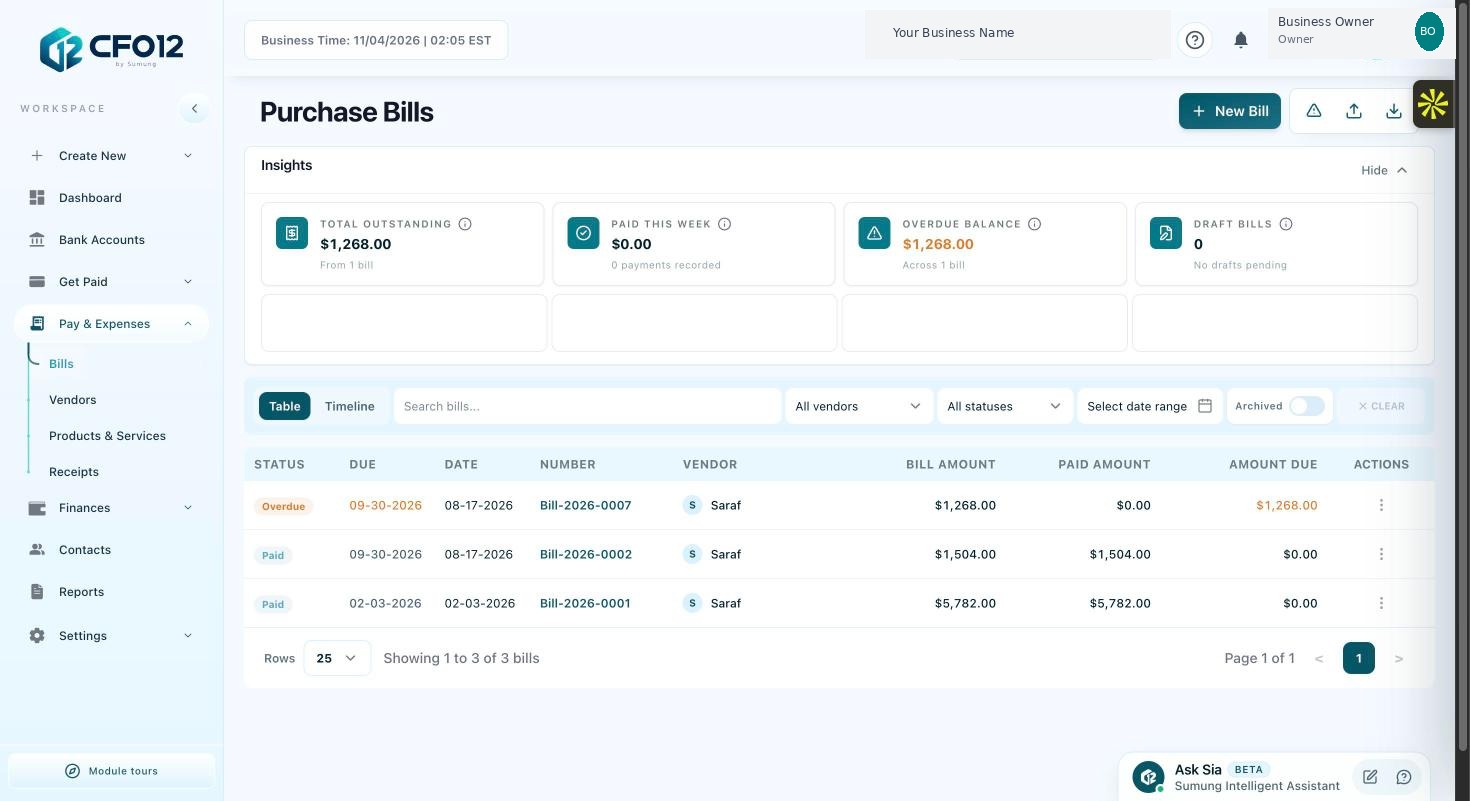
- Go to Pay & Expenses > Bills.
- Open an existing bill or create a new one.
- Find the P.O./S.O. Number field on the bill form.
- Enter the reference number provided by your vendor or from your internal records.
- Save the bill. The reference number is stored and visible on the bill detail.
💡 The P.O./S.O. number field is for reference only. It helps you match bills to your internal records during reconciliation.
Related Articles
- How to Create a Bill
- How to Add Line Items to a Bill
- How to View All Bills
Was this article helpful?
Your feedback helps us improve our documentation.