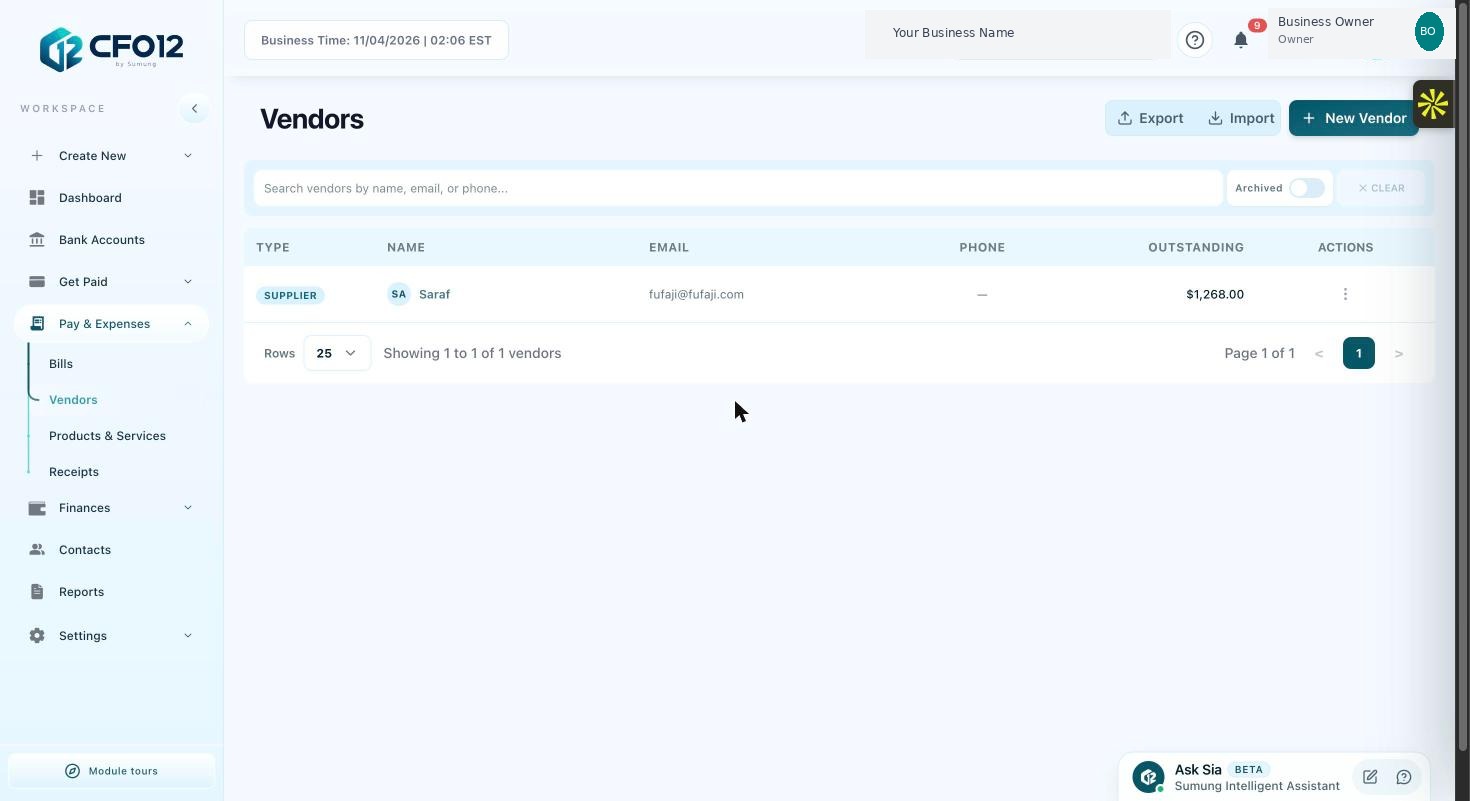
Use the name search or filter on the Vendors page to quickly find a specific supplier.
What You Can Do
- Go to Pay & Expenses > Vendors.
- Use the search field or available filter options to find a specific vendor.
- Use the available filter options to narrow the list.
- The list narrows to show matching vendors.
💡 Keeping vendor names consistent helps when filtering and generating reports.
Related Articles
Was this article helpful?
Your feedback helps us improve our documentation.