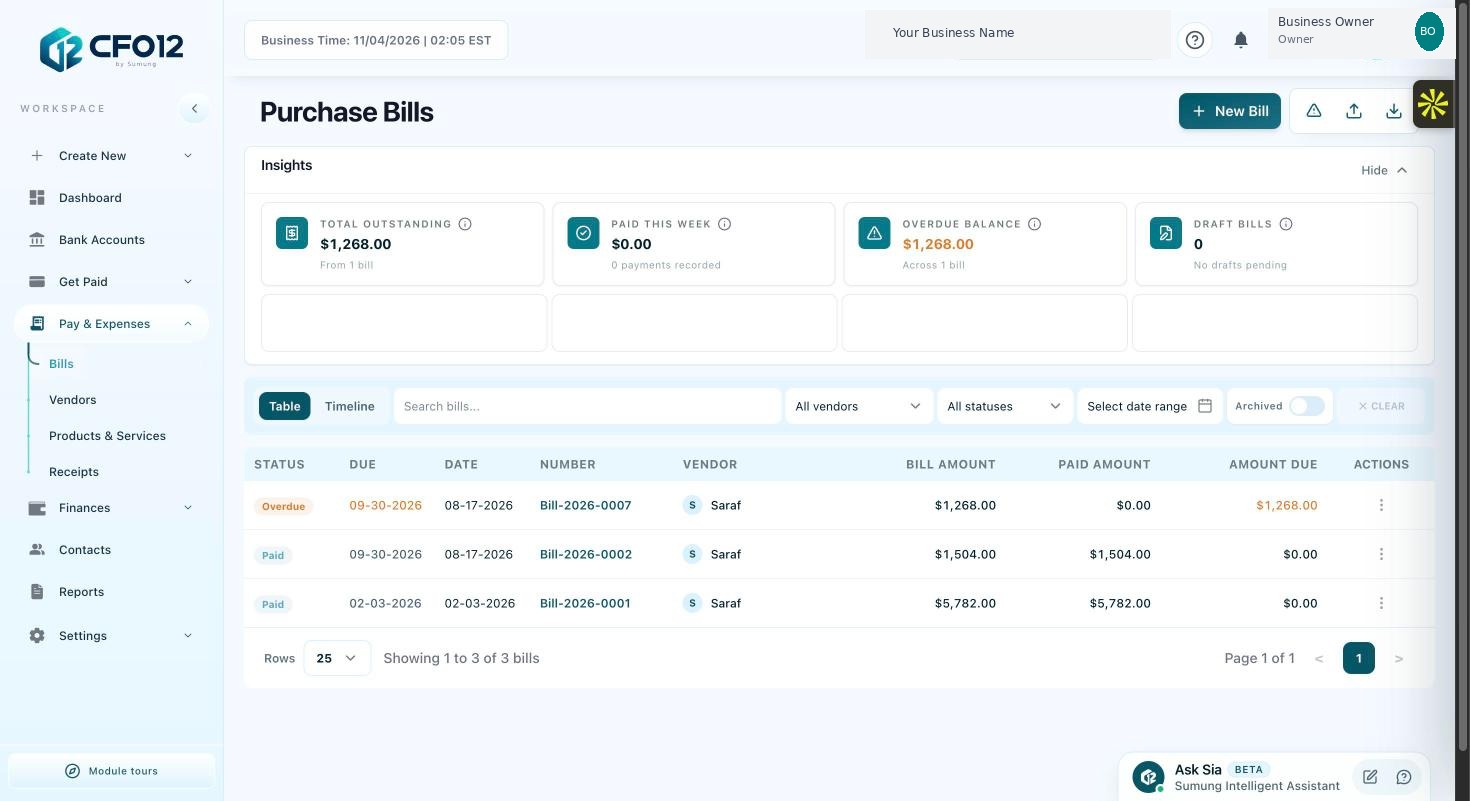
You can attach vendor invoices, delivery receipts, or other documents directly to a bill.
What You Can Do
- Open or create a bill.
- Scroll to the Attachments section.
- Click Upload or drag and drop a file.
- Common document and image formats are supported.
- Files are stored with the bill for easy reference.
💡 Attaching the original vendor invoice to the bill keeps all documentation in one place.
Related Articles
- How to Add Internal Notes to a Bill
- How to Create a New Bill
- How to Add a P.O./S.O. Number
Was this article helpful?
Your feedback helps us improve our documentation.