Internal notes on a bill are for your team's reference and are not shared with the vendor.
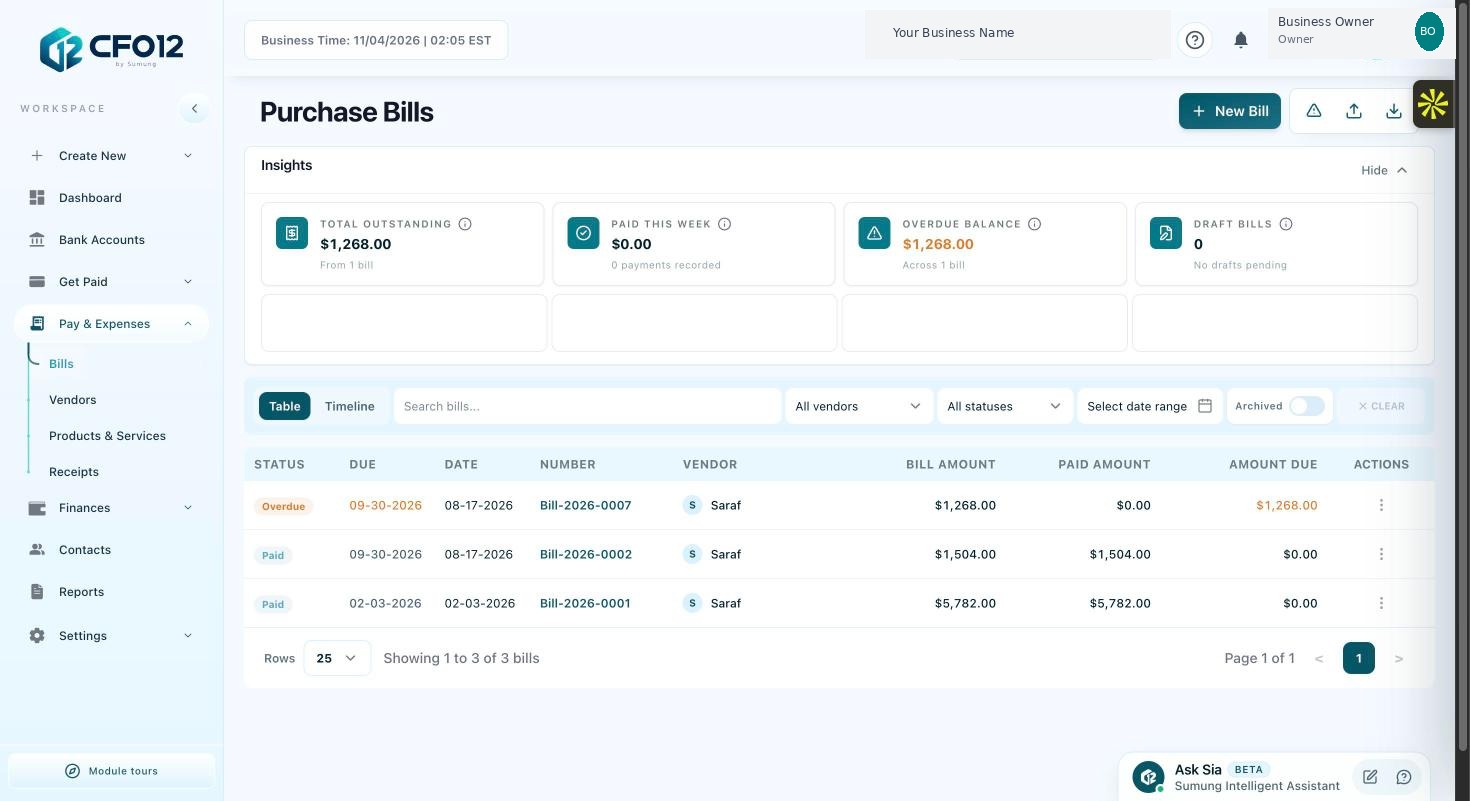
What You Can Do
- Open or create a bill.
- Scroll to the Notes field near the bottom of the bill form.
- Type your note in the text field.
- Delete or edit the text directly to clear the notes if needed.
💡 Use internal notes to record context about the bill, such as delivery details or approval notes.
Related Articles
- How to Attach Files to a Bill
- How to Create a New Bill
- How to Add a P.O./S.O. Number
Was this article helpful?
Your feedback helps us improve our documentation.