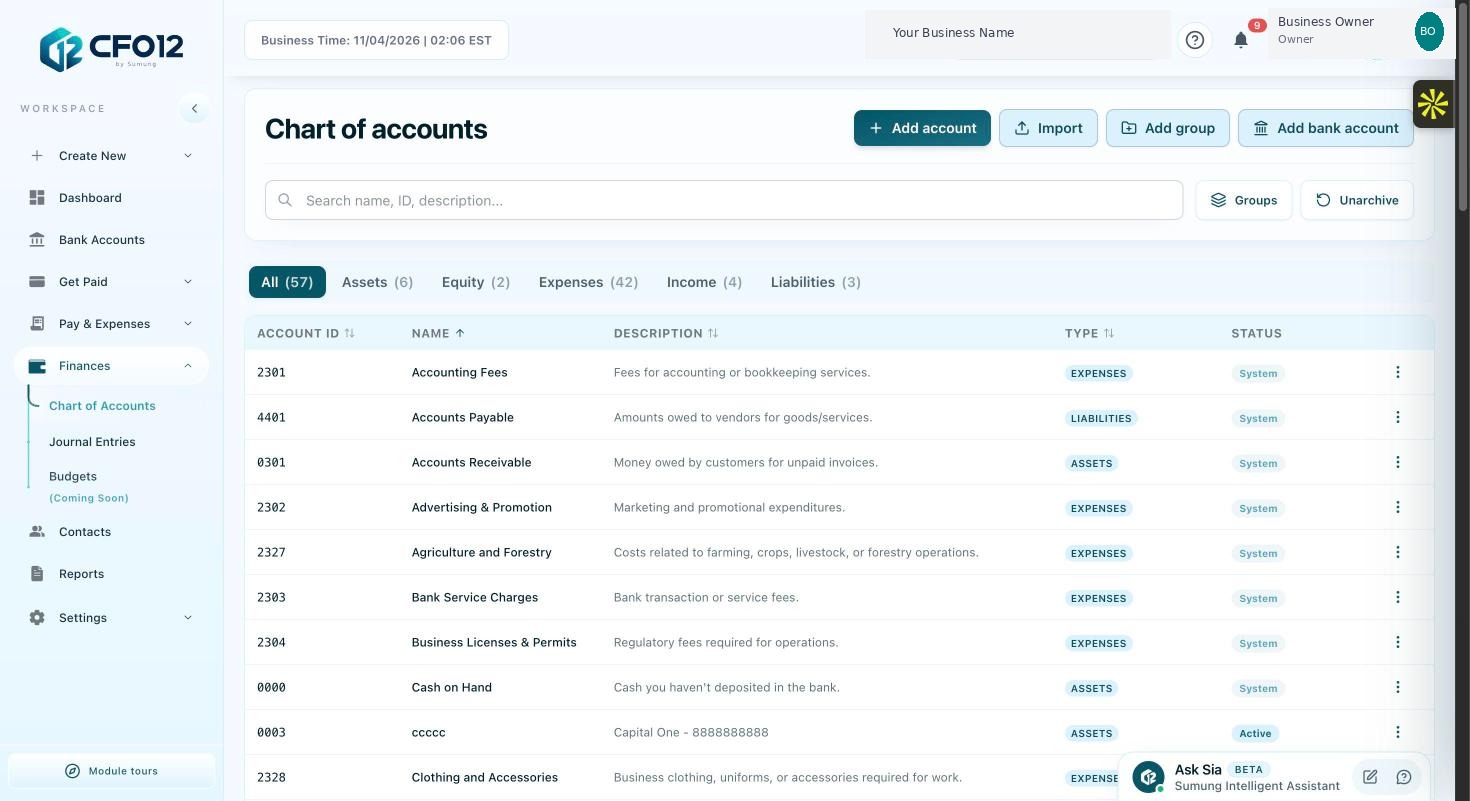
Add a custom account to your Chart of Accounts when you need to track a category not covered by the defaults.
What You Can Do
- Go to Finances > Chart of Accounts.
- Click Add account.
- Enter the account name and type.
- Save the new account.
- The account is now available to use in invoices, bills, and journal entries.
💡 Use descriptive account names so your team can identify the right account quickly.
Related Articles
- How to Import Accounts
- How to Edit a Custom Account
- How to Archive a Custom Account
Was this article helpful?
Your feedback helps us improve our documentation.