You can update the name and details of a custom account you created.
What You Can Do
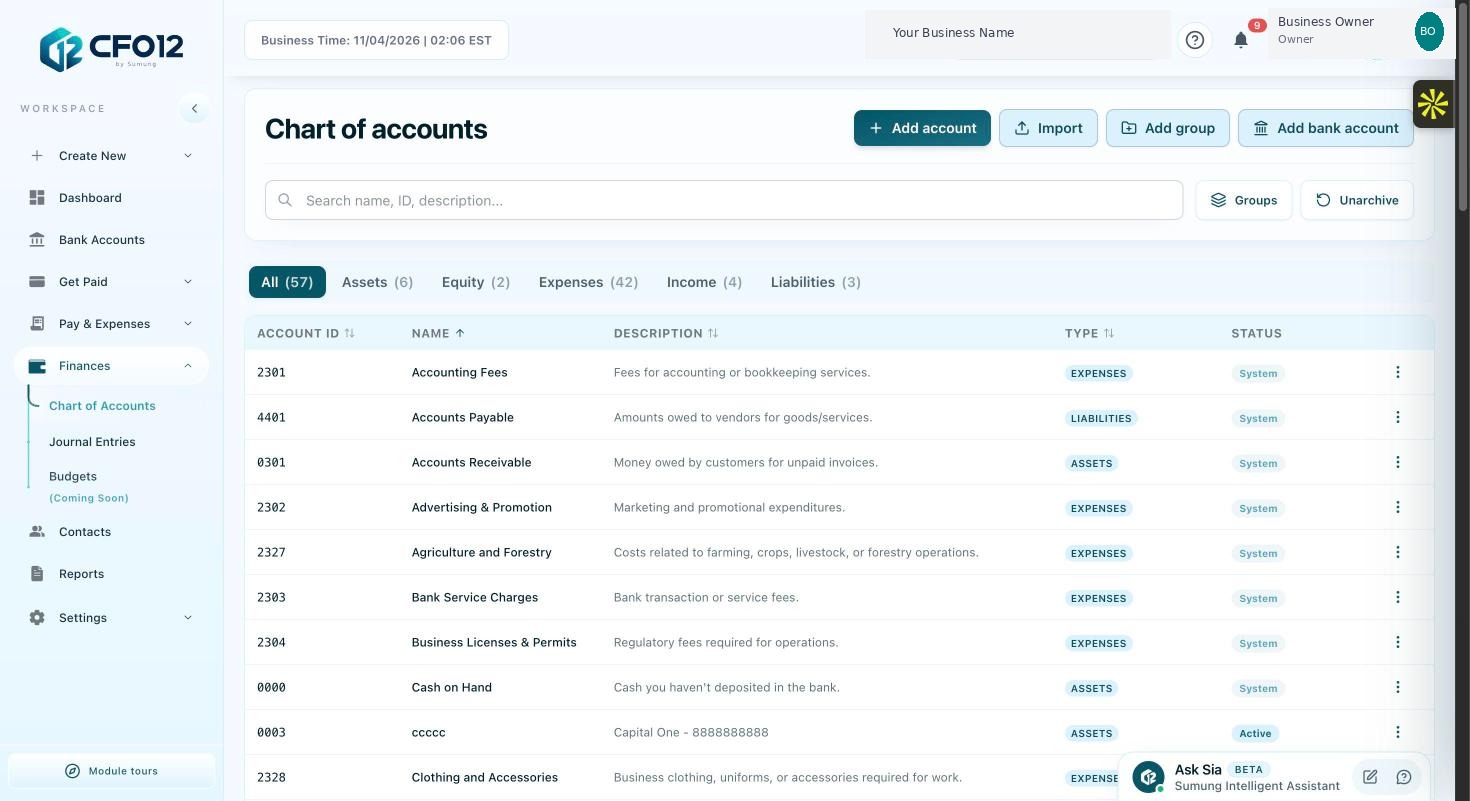
- Go to Finances > Chart of Accounts.
- Find the custom account (Active) you want to edit.
- Click the edit action for that account.
- Update the account name or other available fields.
- Save your changes.
💡 System accounts cannot be edited. Only custom Active accounts can be modified.
Related Articles
- How to Add a New Account
- How to Archive a Custom Account
- How to View All Accounts
Was this article helpful?
Your feedback helps us improve our documentation.