Matching a bank transaction to a bill confirms that a vendor payment has been made.
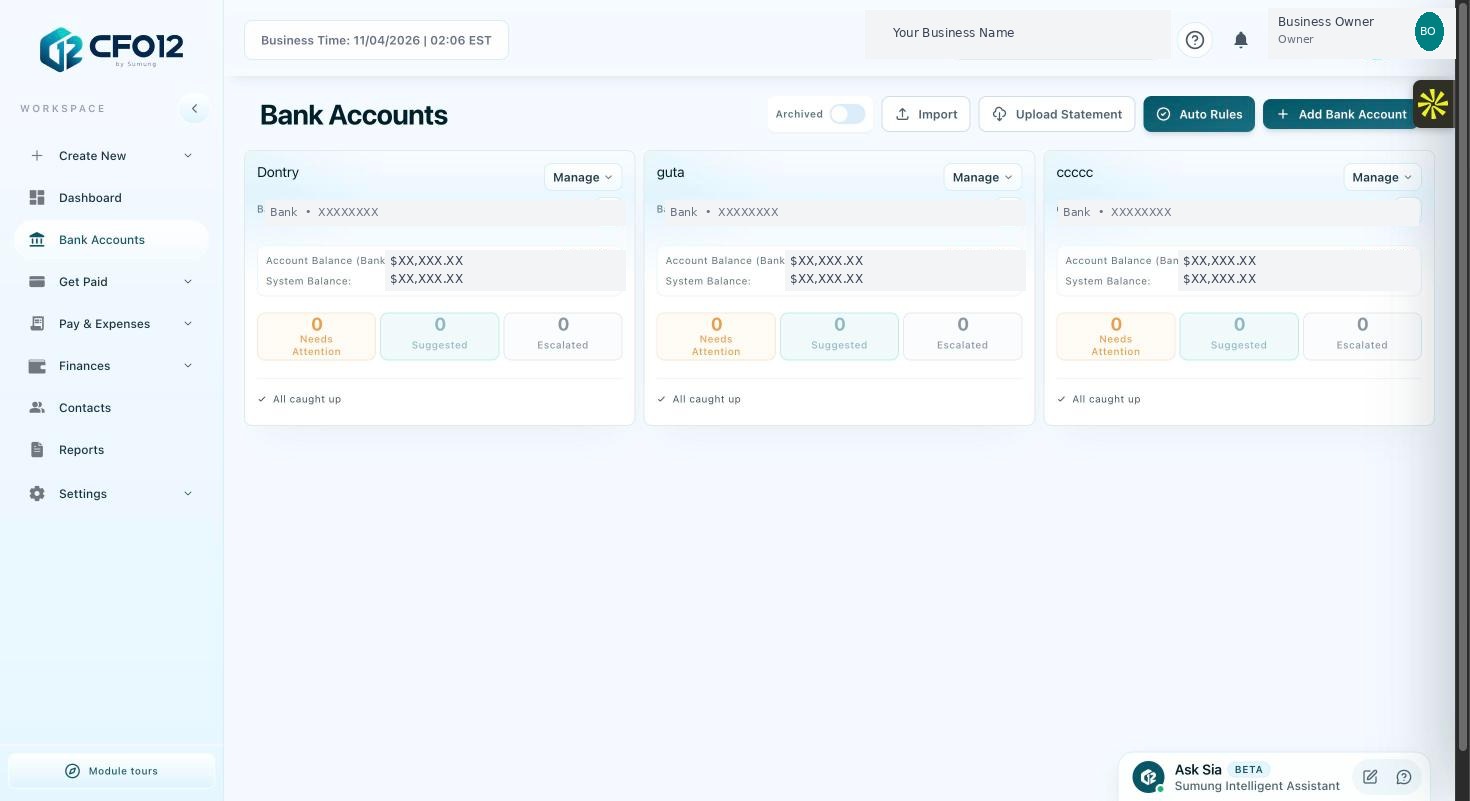
What You Can Do
- Open the bank account and find the outgoing payment transaction.
- Click the match option for the transaction.
- Search for and select the corresponding bill.
- Confirm the match. The bill is marked as paid.
- The transaction is marked as reconciled.
💡 Matching payments to bills keeps your Accounts Payable balance accurate.
Related Articles
- How to Match a Transaction to an Invoice
- How to Record a Payment on a Bill
- How to Reconcile Bank Transactions
Was this article helpful?
Your feedback helps us improve our documentation.