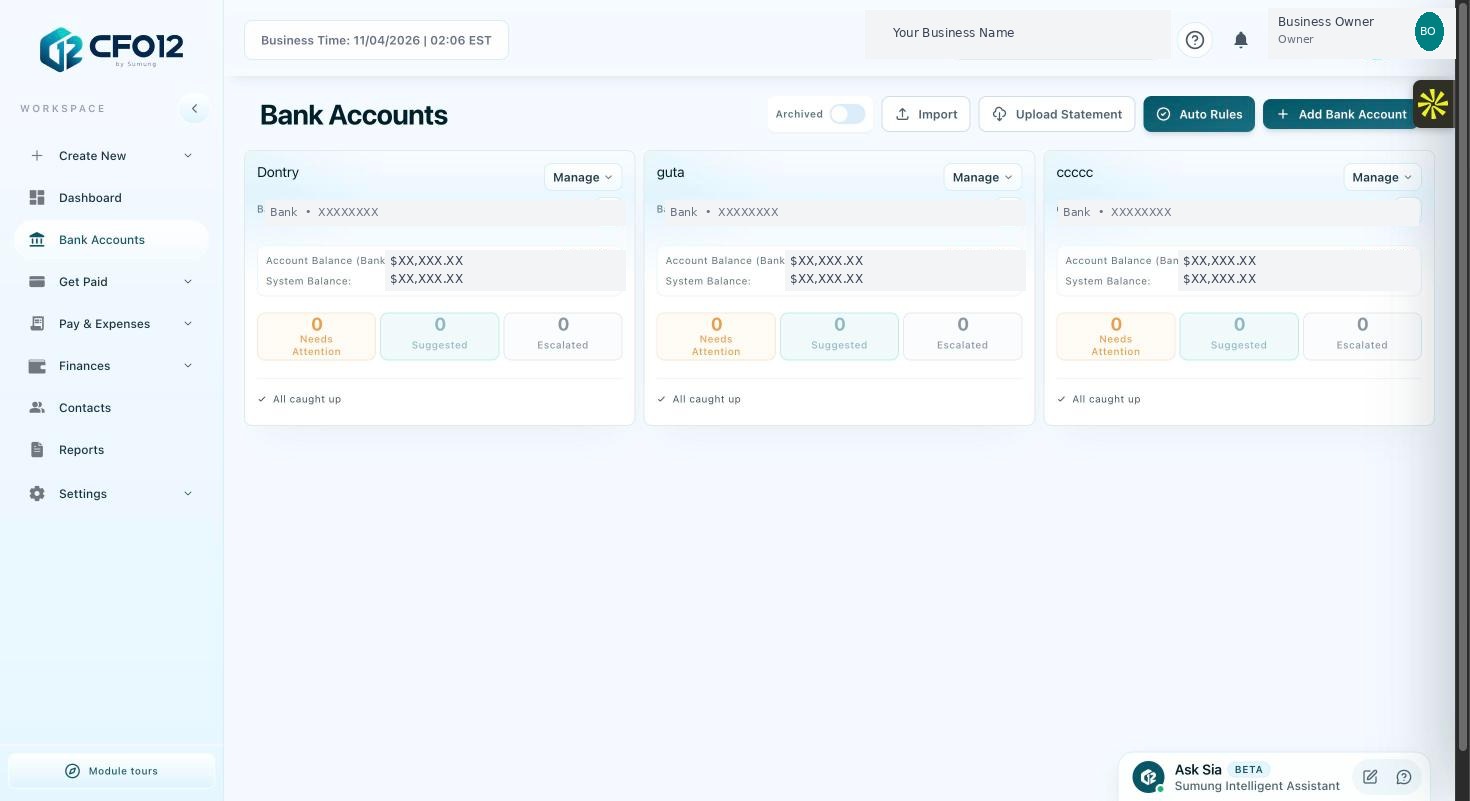
CFO12 supports multiple bank accounts so you can track all your business finances in one place.
What You Can Do
- Add each of your business bank accounts using Add Bank Account.
- Each account has its own transaction list and balance.
- Categorise and reconcile each account separately.
- Use the Bank Accounts overview to switch between accounts quickly.
- Financial reports aggregate data from all accounts.
💡 Keeping all accounts in CFO12 gives you a complete picture of your business finances.
Related Articles
Was this article helpful?
Your feedback helps us improve our documentation.