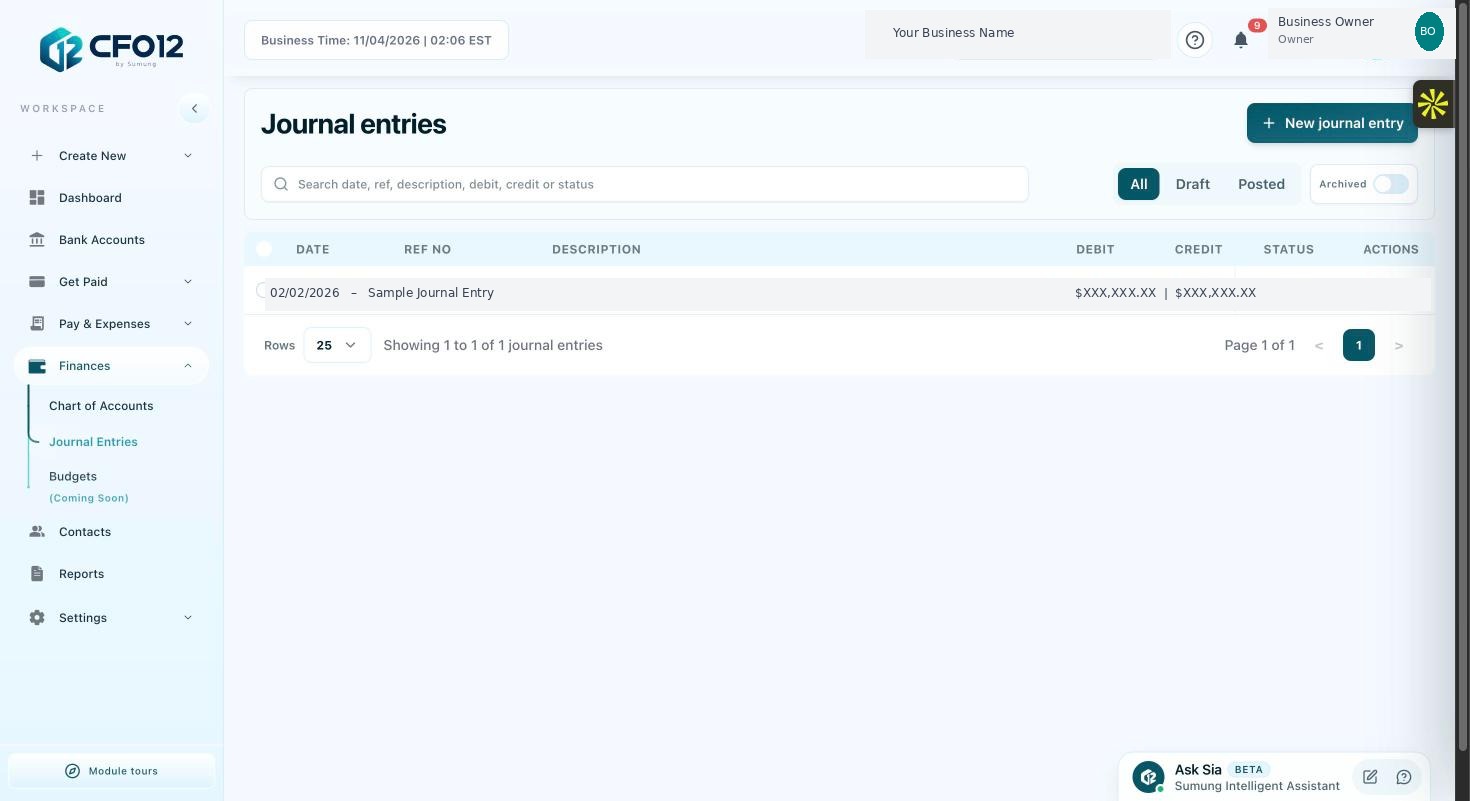
The journal entries list shows debit and credit totals for each entry.
What You Can Do
- Go to Finances > Journal Entries.
- The list shows the total debit and credit amounts for each entry.
- For a balanced entry, both columns show the same total.
- If the totals differ, the entry is unbalanced and should not be posted.
💡 An entry showing different debit and credit totals indicates an error that must be fixed before posting.
Related Articles
- How to Ensure Debits Equal Credits
- How to Edit a Draft Journal Entry
- What Is the Difference Between Debit and Credit?
Was this article helpful?
Your feedback helps us improve our documentation.