Journal entries can record opening balances when you start using CFO12 with existing account balances.
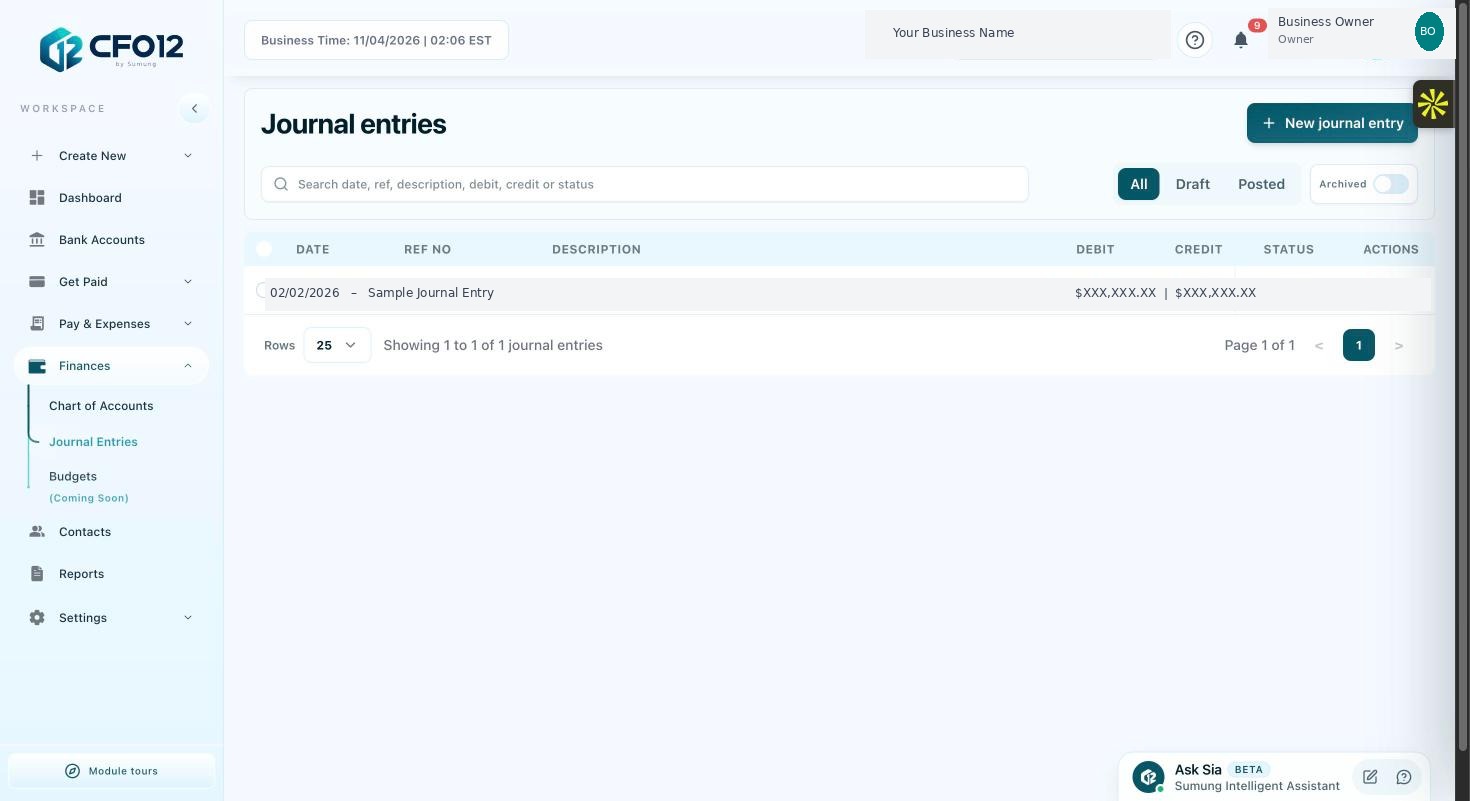
What You Can Do
- Determine the opening balance for each account as of your start date.
- Create a journal entry with the start date.
- Enter debits for asset and expense accounts and credits for liability, equity, and income accounts.
- Post the entry.
- Alternatively, use the Opening Balance feature in Financial Settings.
💡 Using Financial Settings > Opening Balance is the recommended way to set up opening balances in CFO12.
Related Articles
- How to Set an Opening Balance
- How to Create a New Journal Entry
- Overview of Journal Entries
Was this article helpful?
Your feedback helps us improve our documentation.