Remove a draft journal entry that was created by mistake before it is posted.
What You Can Do
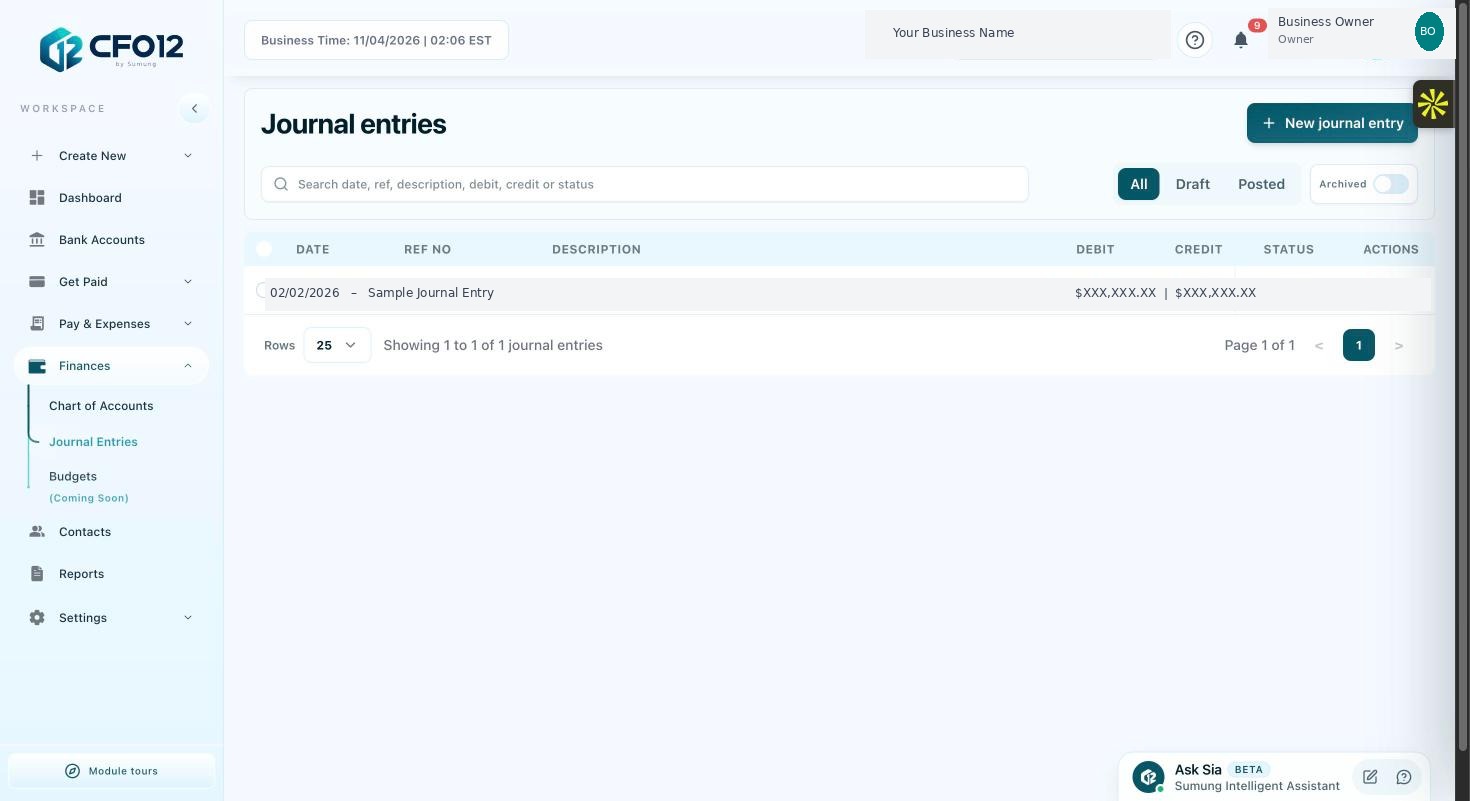
- Go to Finances > Journal Entries and click the Draft tab.
- Find the entry you want to delete.
- Click the delete action.
- Confirm the deletion.
- The entry is permanently removed.
💡 Only draft entries can be deleted. Posted entries must be corrected by your accountant or accounting manager.
Related Articles
Was this article helpful?
Your feedback helps us improve our documentation.