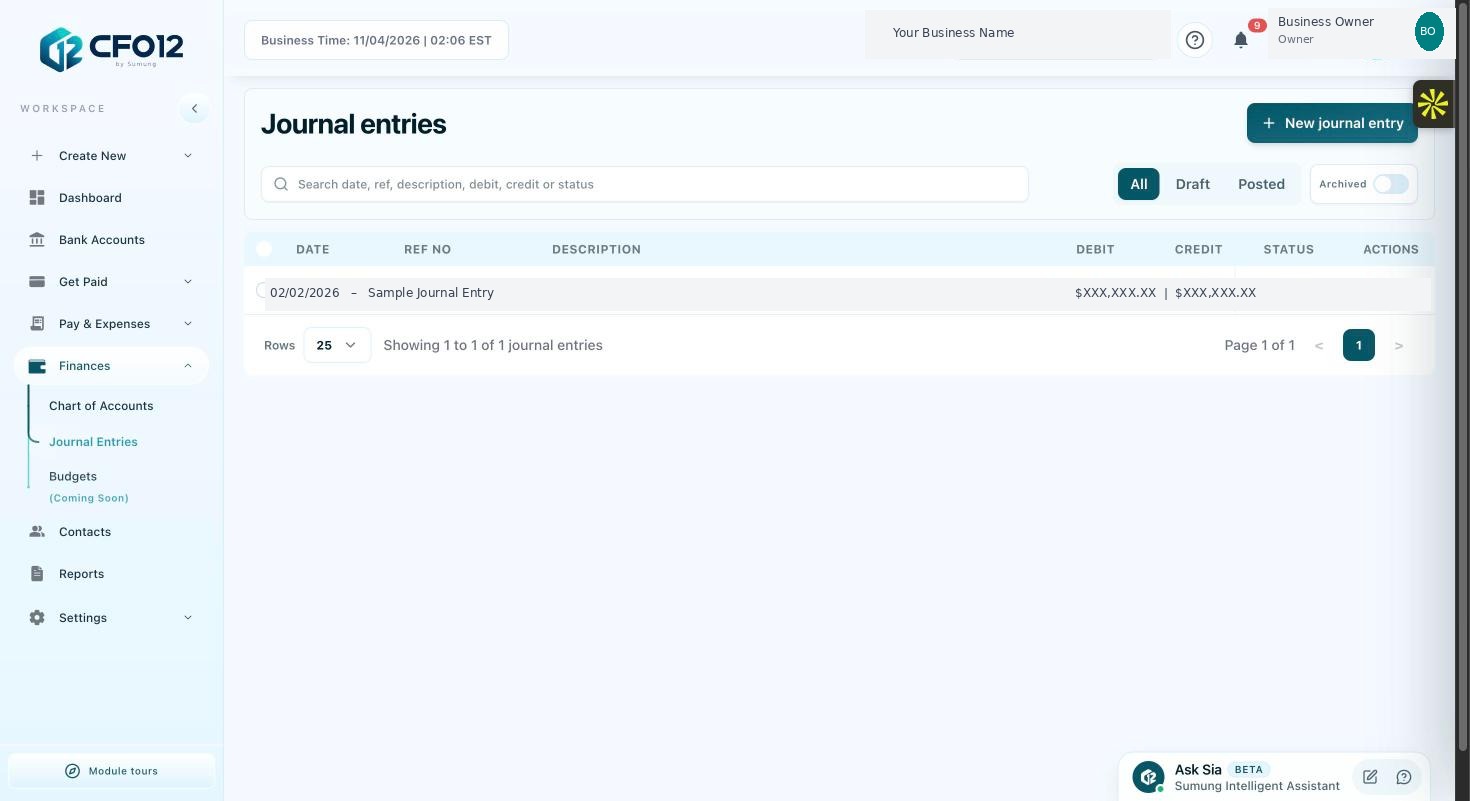
Journal Entries are accessed from the Finances section in the CFO12 sidebar.
What You Can Do
- In the left sidebar, click Finances to expand the section.
- Click Journal Entries.
- The Journal Entries page opens showing all entries.
- Use the tabs (Draft, Posted, Archived) to navigate the list.
- Click New journal entry to create one.
💡 The Finances section also includes Chart of Accounts. Both are essential for accurate bookkeeping.
Related Articles
- Overview of Journal Entries
- How to Create a New Journal Entry
- Overview of the Chart of Accounts
Was this article helpful?
Your feedback helps us improve our documentation.