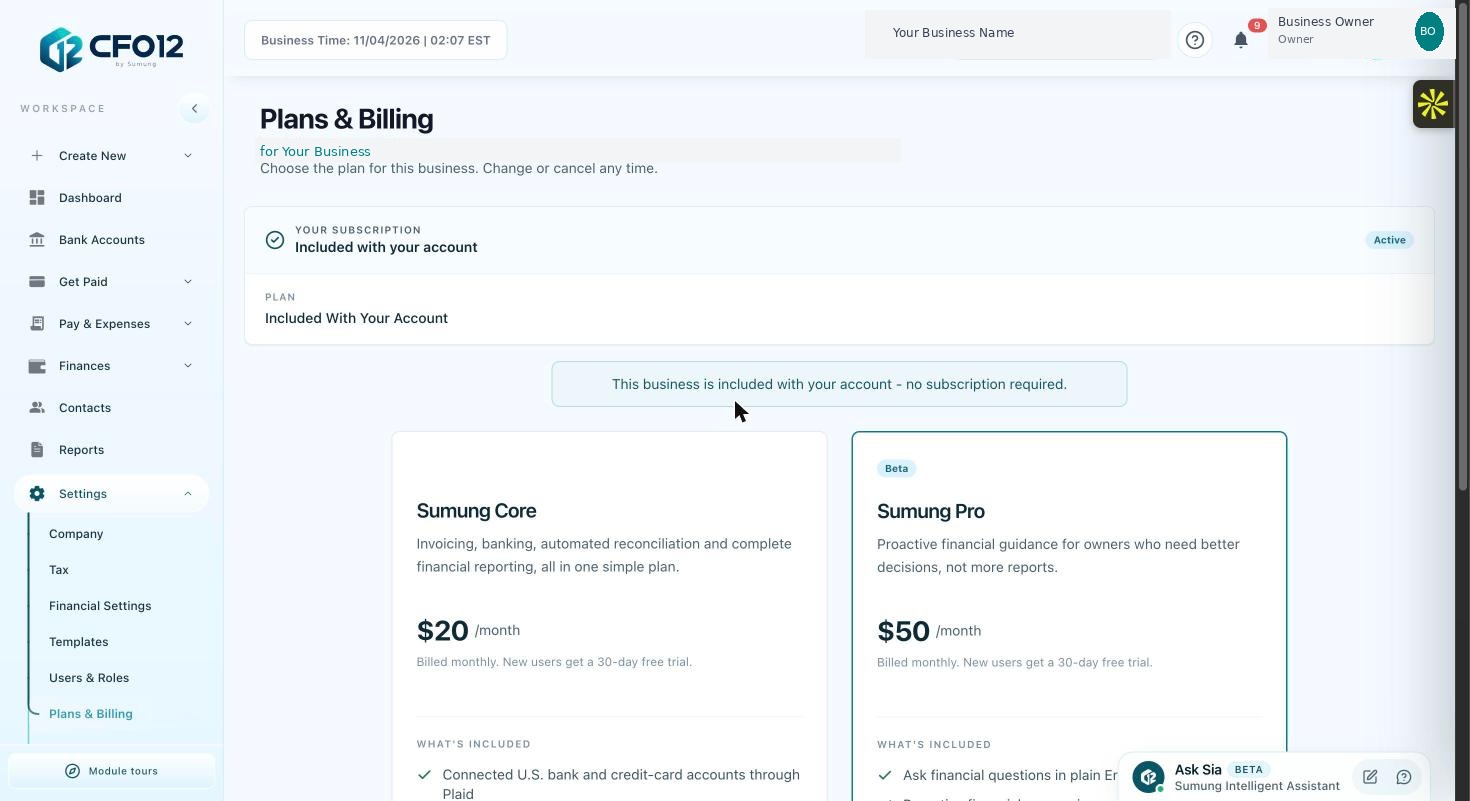
Check your current CFO12 plan, billing cycle, and renewal date from Subscription.
What You Can Do
- Go to Settings > Plans & Billing.
- Review the plan name and features included.
- Note the renewal date and billing amount.
- Update payment details if they have changed.
- Contact support if you have billing questions.
💡 Reviewing your subscription ensures you are on the right plan for your current business needs.
Related Articles
- How to Review the Subscription Section
- How to Upgrade Your CFO12 Plan
- Overview of Settings
Was this article helpful?
Your feedback helps us improve our documentation.