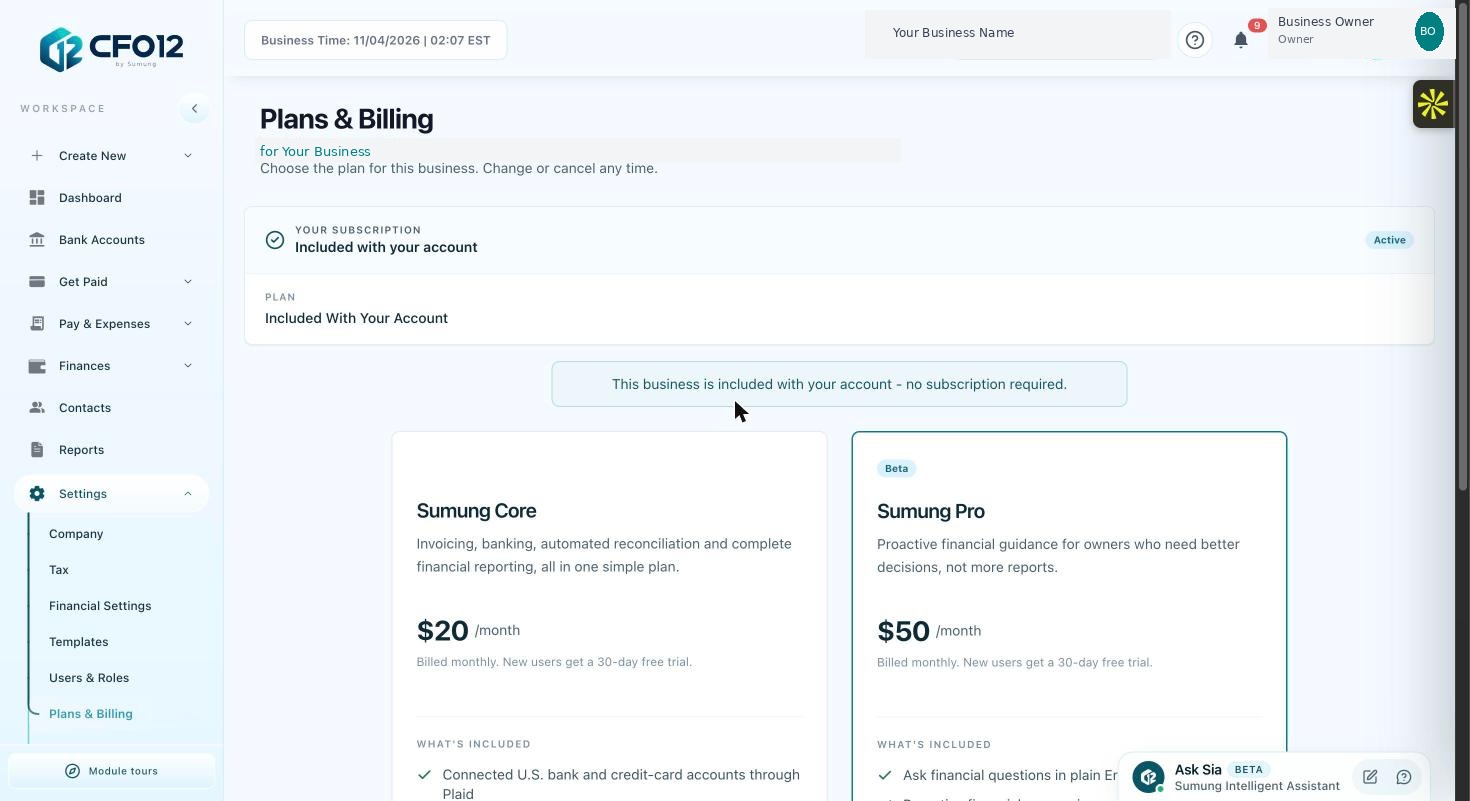
The Plans & Billing section shows your current CFO12 subscription plan and payment details.
What You Can Do
- Go to Settings > Plans & Billing.
- Review your current plan and subscription status.
- See upcoming renewal date and billing details.
- Upgrade or change your plan from this section.
- Update payment details if required.
💡 Keep your billing details current to avoid service interruptions.
Related Articles
- How to Upgrade Your CFO12 Plan
- Overview of Settings
- What Plans Are Available in CFO12?
Was this article helpful?
Your feedback helps us improve our documentation.