The Settings section is where you configure your CFO12 account — from company details to users, taxes, and billing.
What You Can Do
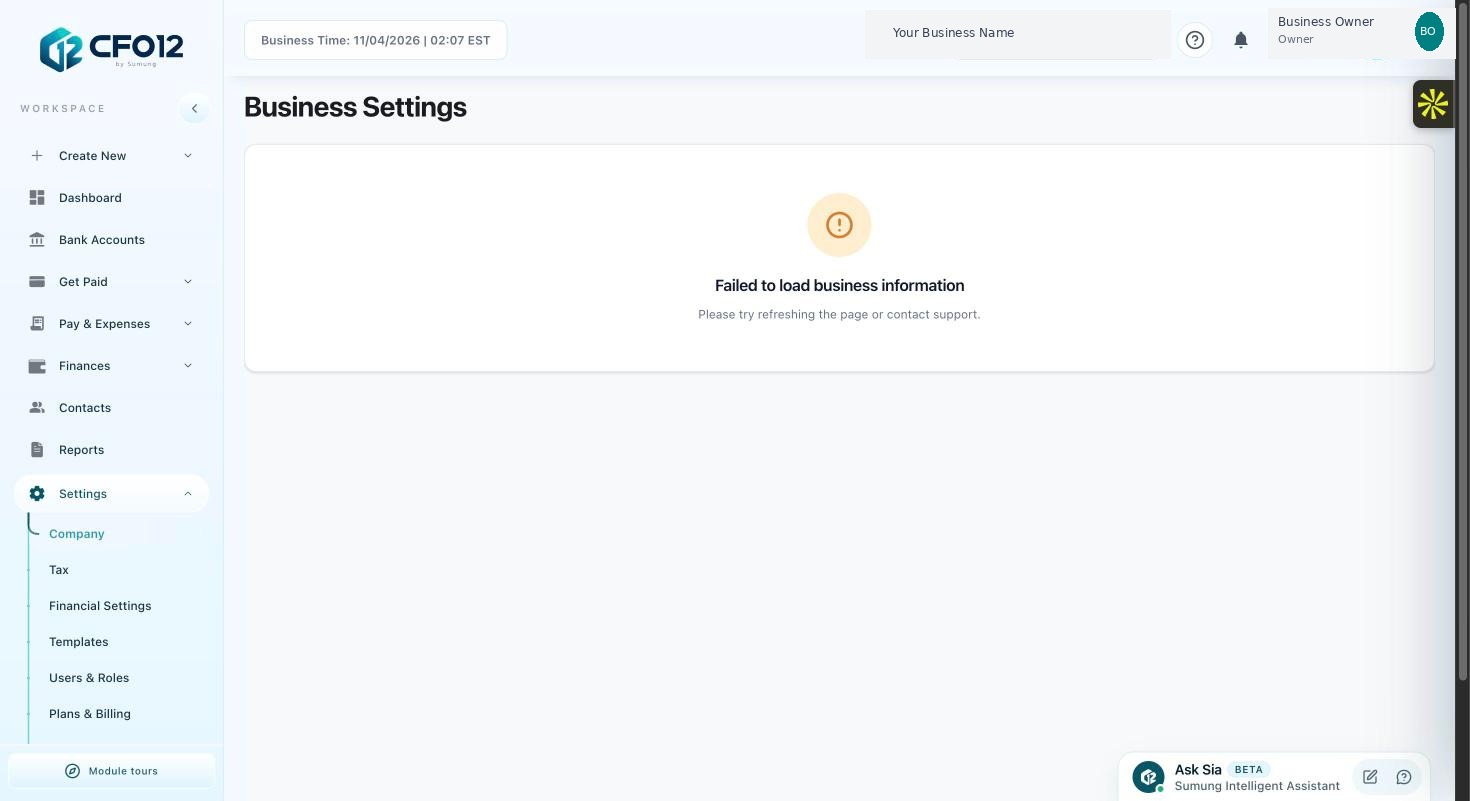
- In the left sidebar, click Settings.
- Settings is divided into sections: Company, Tax, Financial Settings, Templates, Users & Roles, Plans & Billing, Activity Log, Migration, and Notifications (Coming Soon).
- Each section controls a different aspect of your CFO12 configuration.
- Make changes carefully — settings affect how the entire account operates.
💡 Only account owners and users with admin permissions can access and change most Settings sections.
Related Articles
- How to Update Company Information
- How to Set Up Financial Settings
- How to Invite a User
Was this article helpful?
Your feedback helps us improve our documentation.