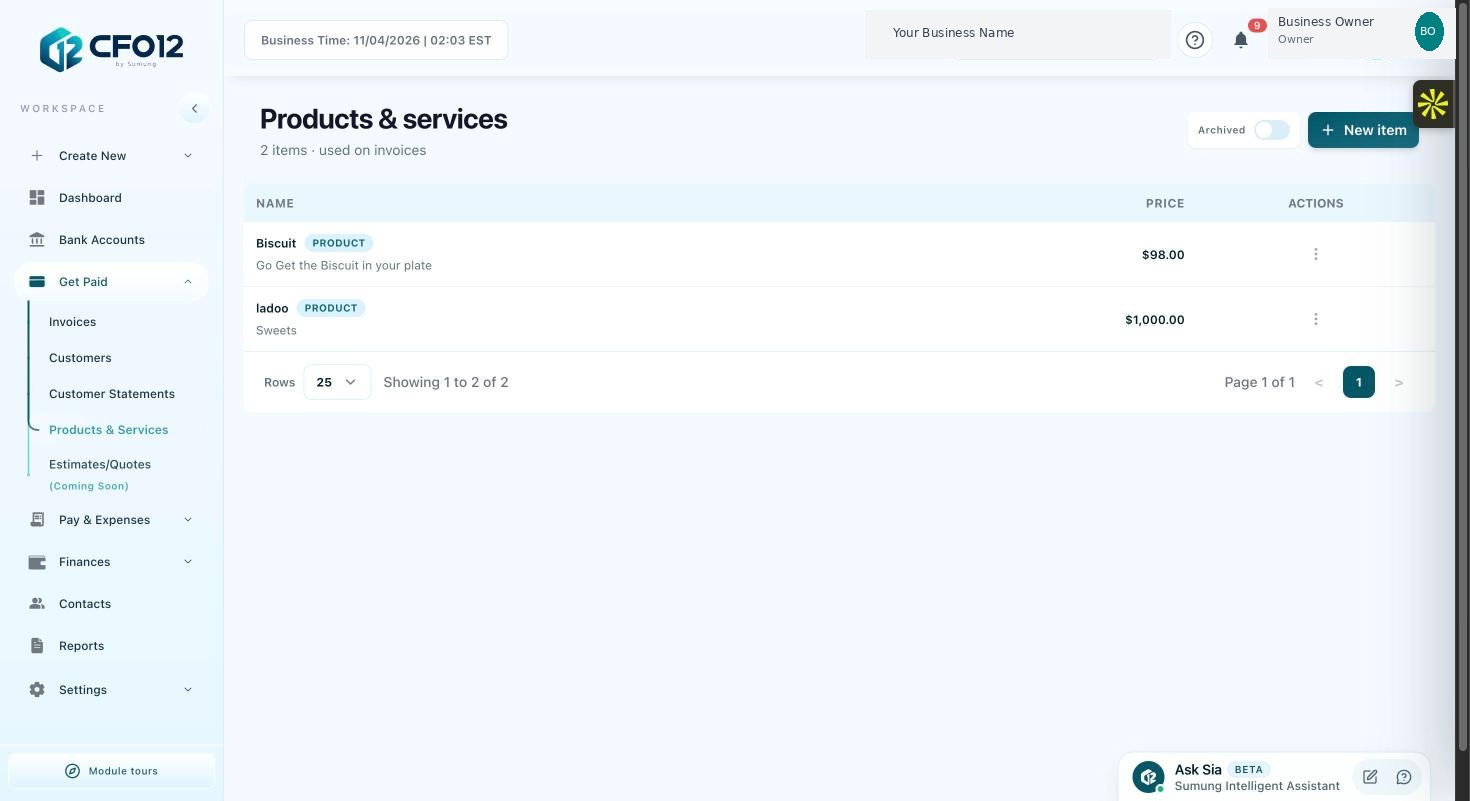
Products and services can be pre-saved in CFO12 so they can be quickly added to invoices.
What You Can Do
- Go to Get Paid > Products & Services, or click Create New > New Product/Service.
- Click New item.
- Fill in the item details including name, type, price, and description.
- In the usage settings, enable this item for invoices.
- Toggle the taxable option on if the item is taxable.
- Click Save.
💡 Items saved here appear in the ITEM dropdown when you add line items to an invoice.
Related Articles
- How to Edit a Product or Service
- How to Archive a Product
- How to Add Line Items to an Invoice
Was this article helpful?
Your feedback helps us improve our documentation.