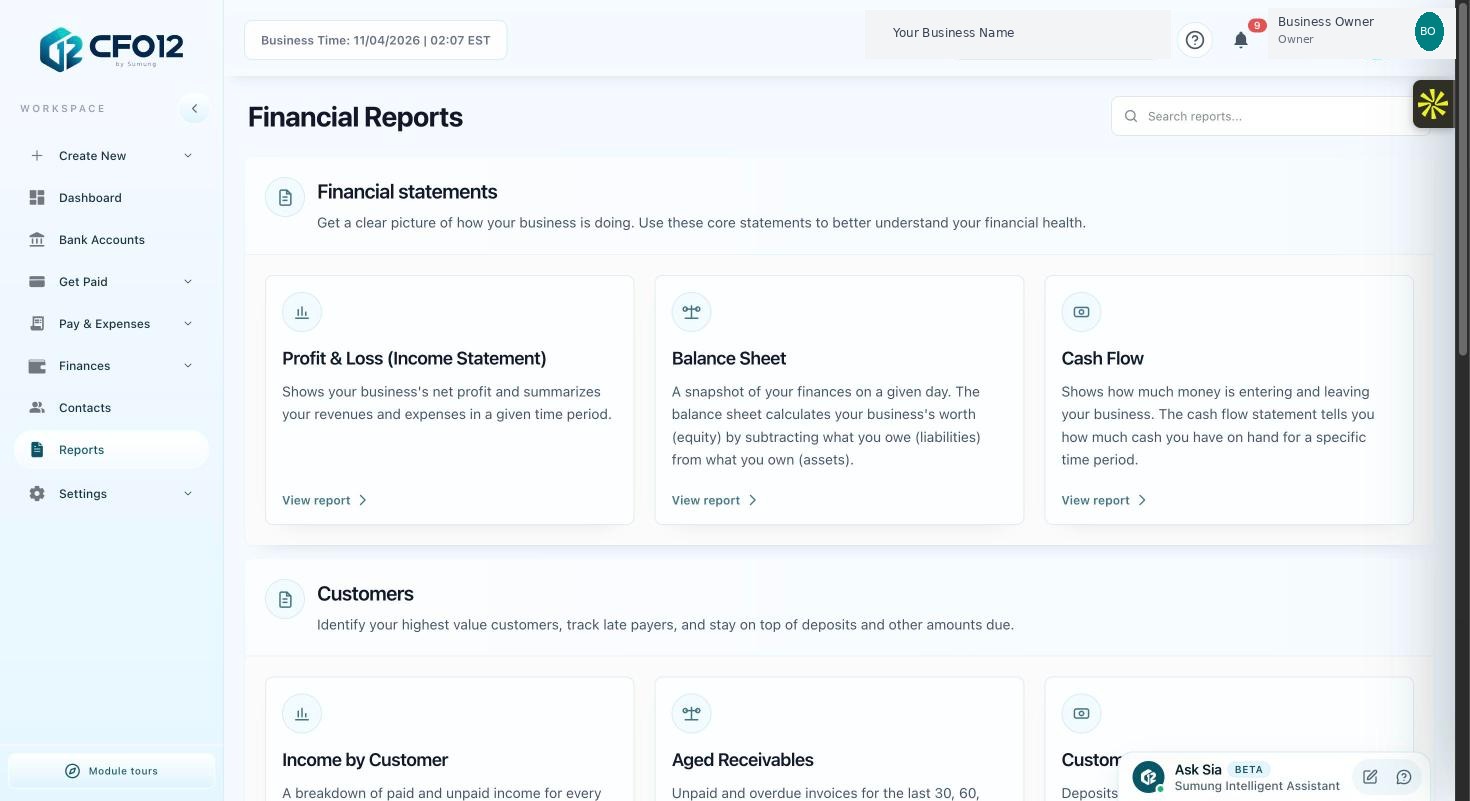
Aged Receivables shows the total unpaid amount owed to your business, grouped by days overdue.
What You Can Do
- Each customer is listed with their outstanding balance.
- Columns show the balance split by aging time brackets days overdue.
- The Total column shows each customer's overall outstanding balance.
- Use it to prioritise collection follow-up for oldest overdue accounts.
💡 Setting up regular payment reminders reduces the aged receivables balance over time.
Related Articles
- How to View the Aged Receivables Report
- How to Mark an Invoice as Paid
- How to Send a Payment Reminder
Was this article helpful?
Your feedback helps us improve our documentation.