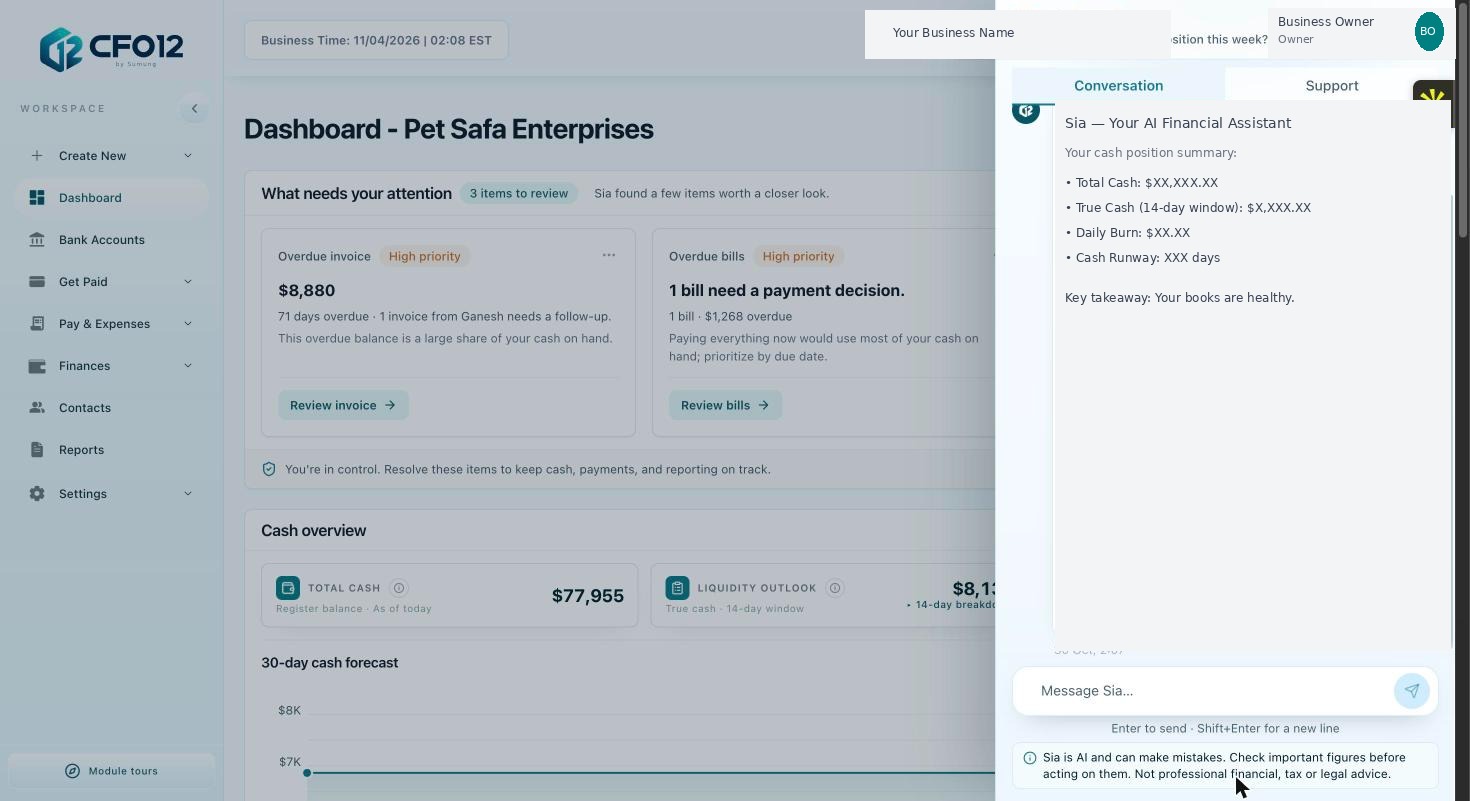
Ask Sia, CFO12's AI assistant, can summarise and explain your financial report data in plain language.
What You Can Do
- Go to Ask Sia in the left sidebar.
- Type a question such as 'What was my net profit last month?' or 'Which customers owe me money?'.
- Sia reads your CFO12 data and responds in plain English.
- Ask follow-up questions to drill into specific details.
- Use Sia for quick answers without having to open and configure full reports.
💡 Ask Sia is in BETA. For formal financial reporting, always run the full reports from the Reports section.
Related Articles
- How to Use Ask Sia
- Overview of Reports
- How to Run the Profit & Loss Report
Was this article helpful?
Your feedback helps us improve our documentation.