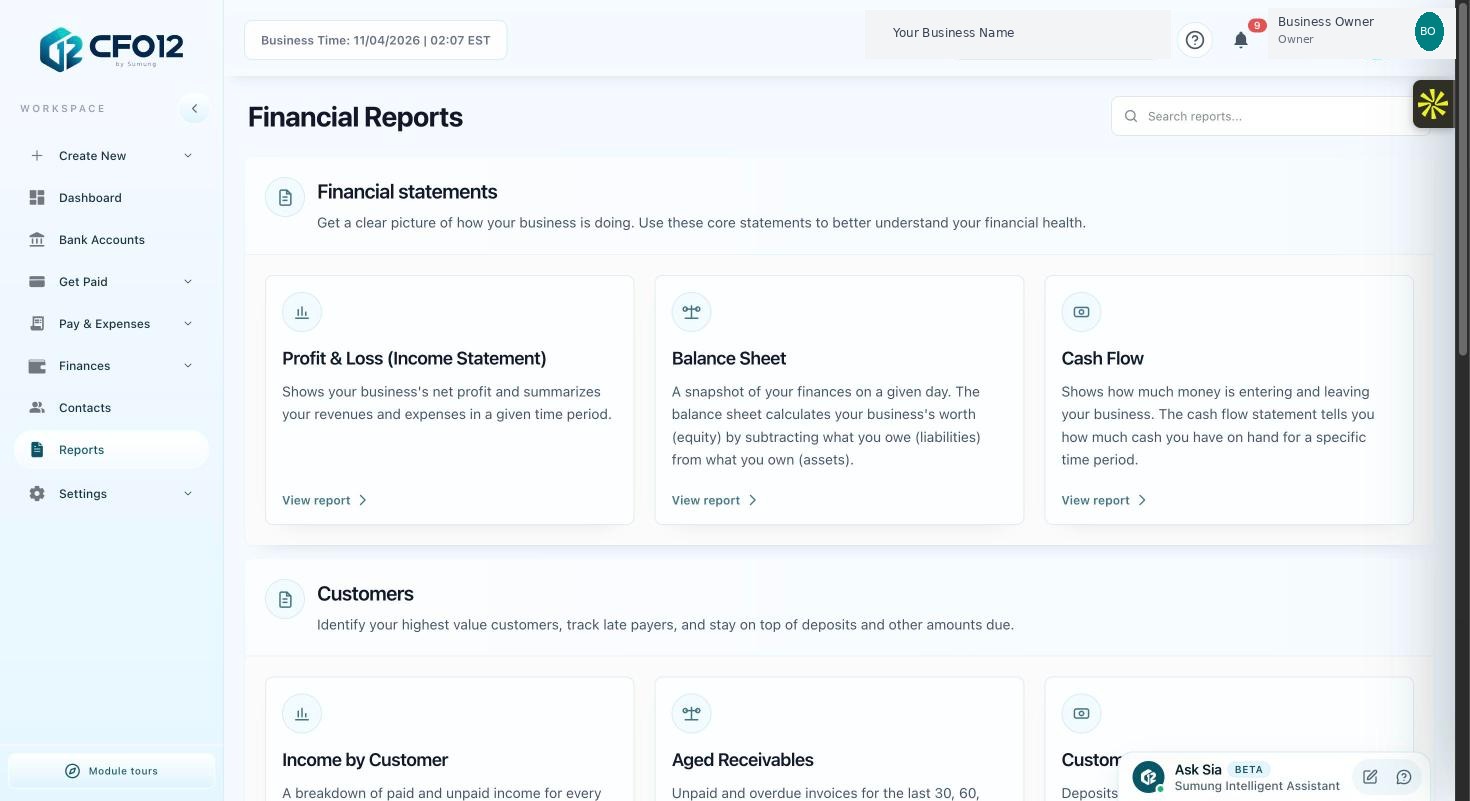
The Aged Receivables report helps you identify and follow up on overdue customer invoices.
What You Can Do
- Go to Reports > Aged Receivables.
- Review invoices in the oldest aging periods for the most overdue balances.
- Note the customer names and amounts.
- Contact those customers directly to request payment.
- Send payment reminders from the Invoices section.
💡 Following up on the most overdue accounts first has the greatest impact on your cash flow.
Related Articles
- How to View the Aged Receivables Report
- How to Send a Payment Reminder
- How to Mark an Invoice as Paid
Was this article helpful?
Your feedback helps us improve our documentation.