The General Ledger lets you trace any unexpected account balance back to individual transactions.
What You Can Do
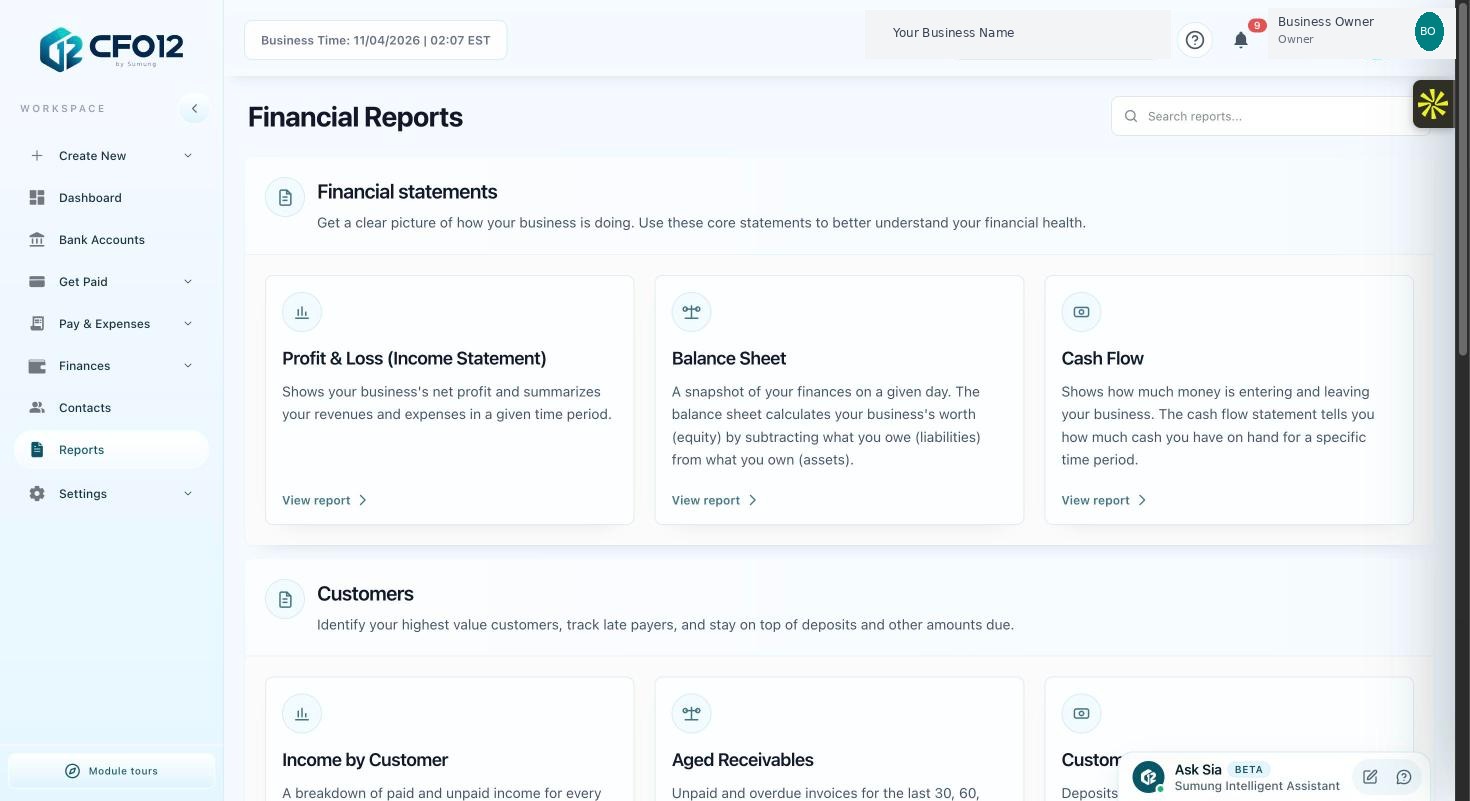
- Go to Reports > General Ledger.
- Set the date range covering the period in question.
- Find the account with the unexpected balance.
- Review each transaction listed for that account.
- Identify any incorrect or unexpected entries and investigate.
💡 The General Ledger is your first stop when investigating an unusual account balance.
Related Articles
- How to View the General Ledger Report
- How to Reverse a Posted Journal Entry
- Overview of Reports
Was this article helpful?
Your feedback helps us improve our documentation.