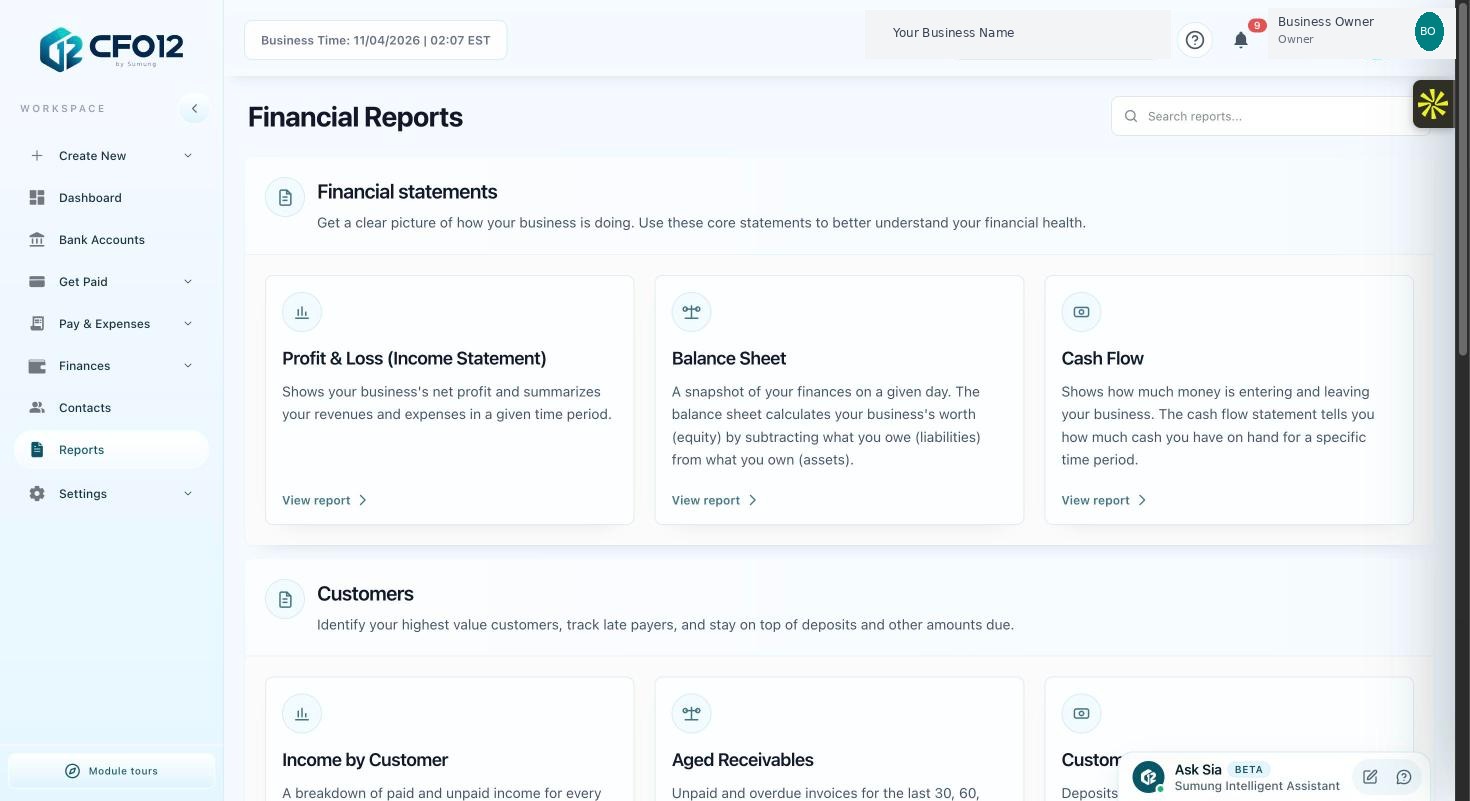
Export and share CFO12 reports with your accountant for review, tax preparation, or audit support.
What You Can Do
- Run each required report and set the correct date range.
- Click Export on each report.
- Save the files to your computer.
- Email or share the files with your accountant using your preferred method.
- Commonly shared reports: P&L, Balance Sheet, General Ledger, Trial Balance.
💡 Your accountant will typically ask for P&L, Balance Sheet, and General Ledger as a minimum.
Related Articles
Was this article helpful?
Your feedback helps us improve our documentation.