All CFO12 reports support date range filtering to focus on a specific accounting period.
What You Can Do
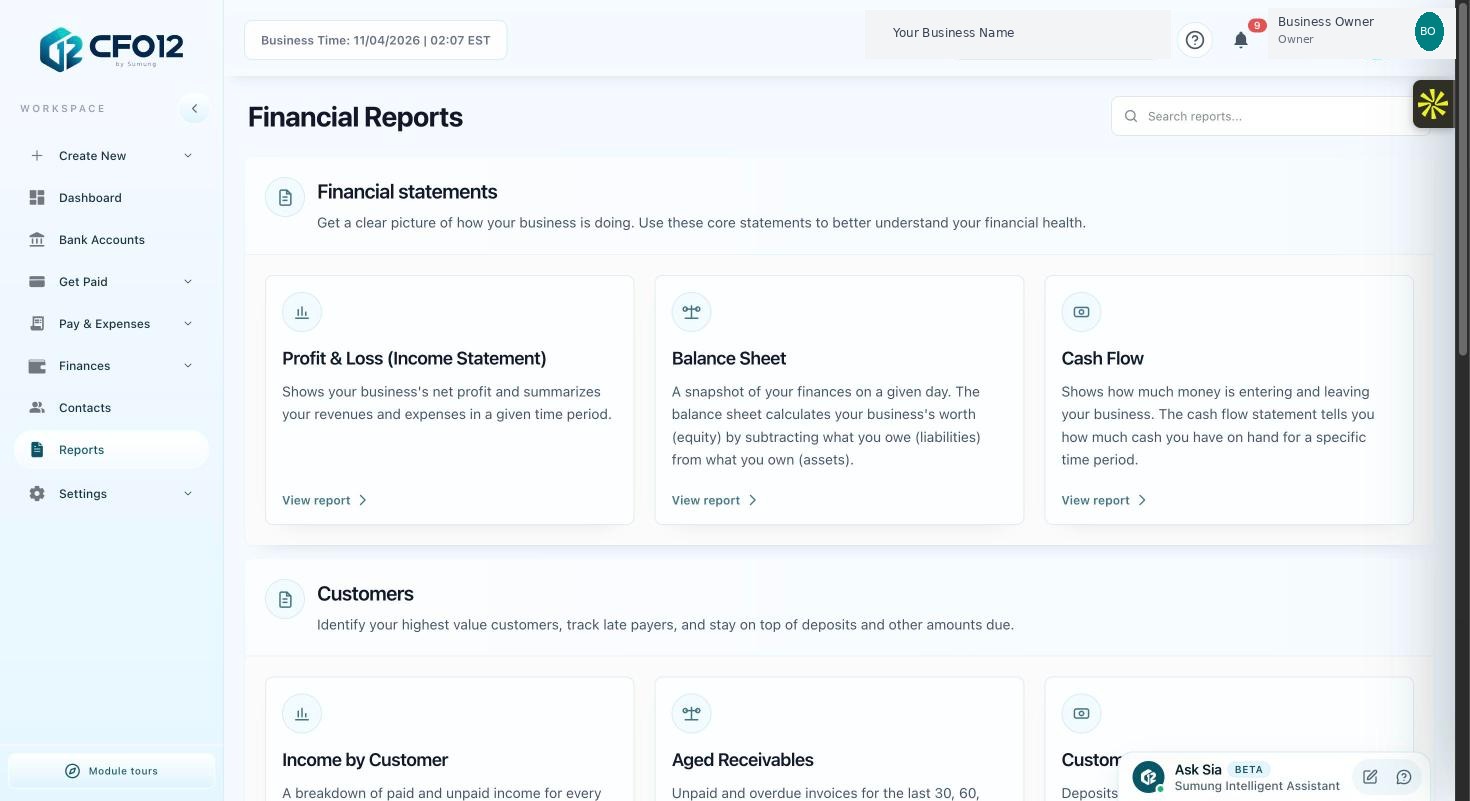
- Open any report from Reports.
- Find the date range selector at the top of the report.
- Set a start date and end date.
- The report updates to show data only for the selected period.
- Remove the dates or edit the date fields directly to return to the default view.
💡 Common date ranges: current month, last month, current quarter, current year, last year.
Related Articles
- How to Export a Report
- Overview of Reports
- How to Run the Profit & Loss Report
Was this article helpful?
Your feedback helps us improve our documentation.