Use Aged Receivables and Income by Customer reports together to get a full picture of customer balances and sales.
What You Can Do
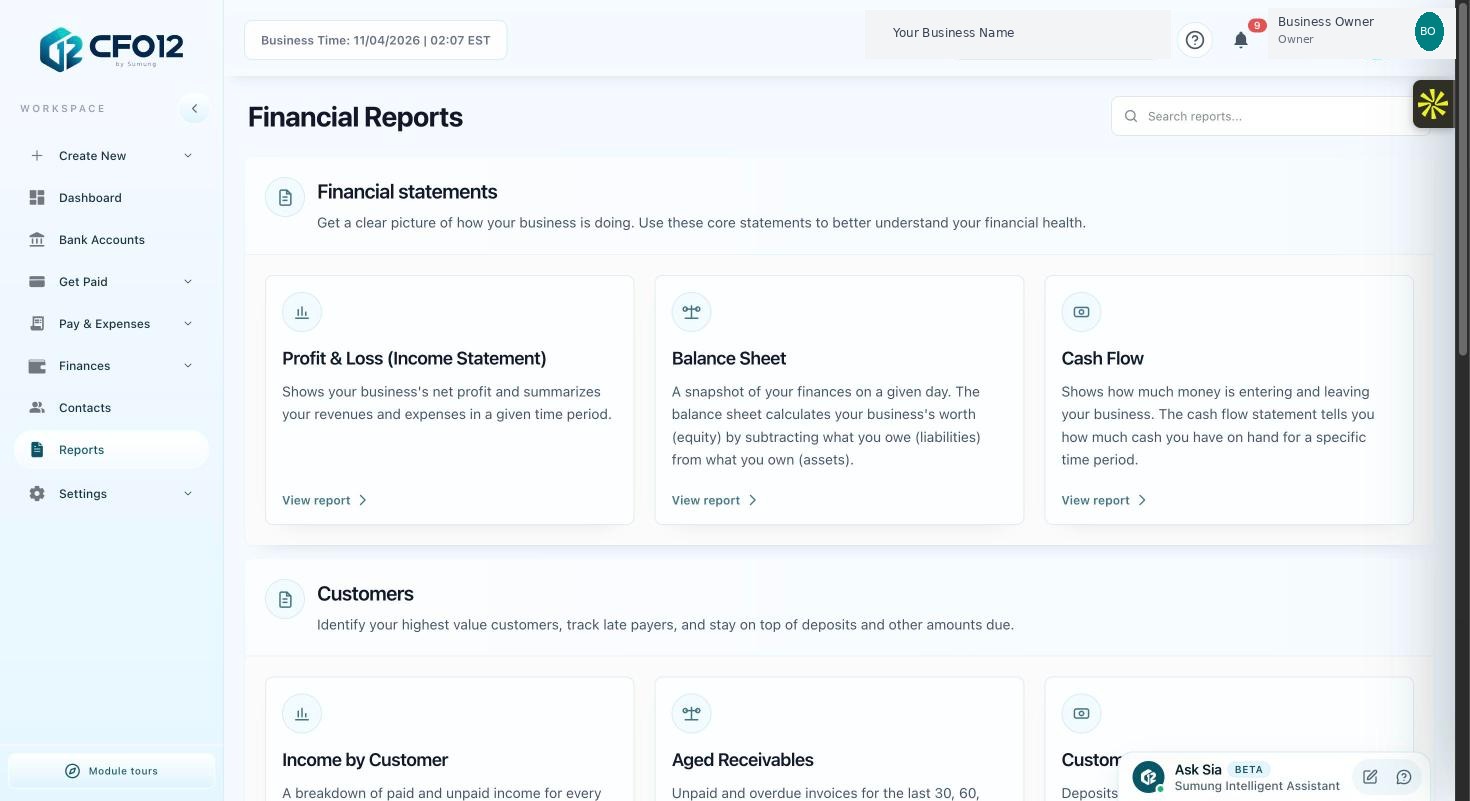
- Run Aged Receivables to see all unpaid invoices by customer and aging period.
- Run Income by Customer to see sales income by customer.
- Compare the two to identify customers with significant outstanding amounts.
- Follow up with customers on overdue balances.
- Export the reports for further use.
💡 Regularly reviewing both reports gives you a complete picture of customer activity and outstanding balances.
Related Articles
Was this article helpful?
Your feedback helps us improve our documentation.