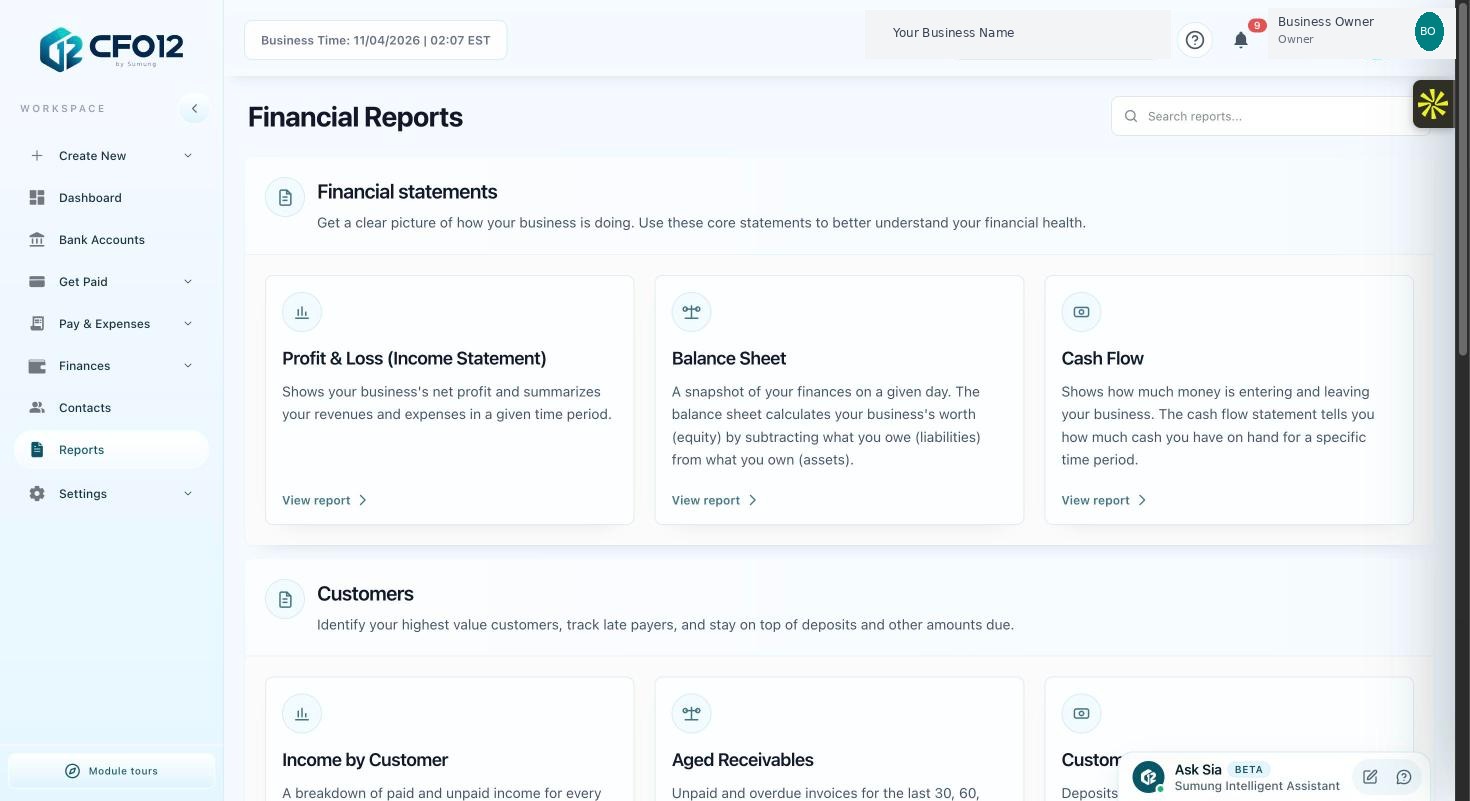
Run a standard set of monthly reports in CFO12 to review your business performance.
What You Can Do
- At month end, run the Profit & Loss for the month.
- Run the Balance Sheet as of month end.
- Run the Aged Receivables to review outstanding customer balances.
- Run the Aged Payables to review outstanding vendor balances.
- Run the Cash Flow to check cash movements.
💡 A monthly review using these five reports takes less than 30 minutes and keeps you informed.
Related Articles
Was this article helpful?
Your feedback helps us improve our documentation.