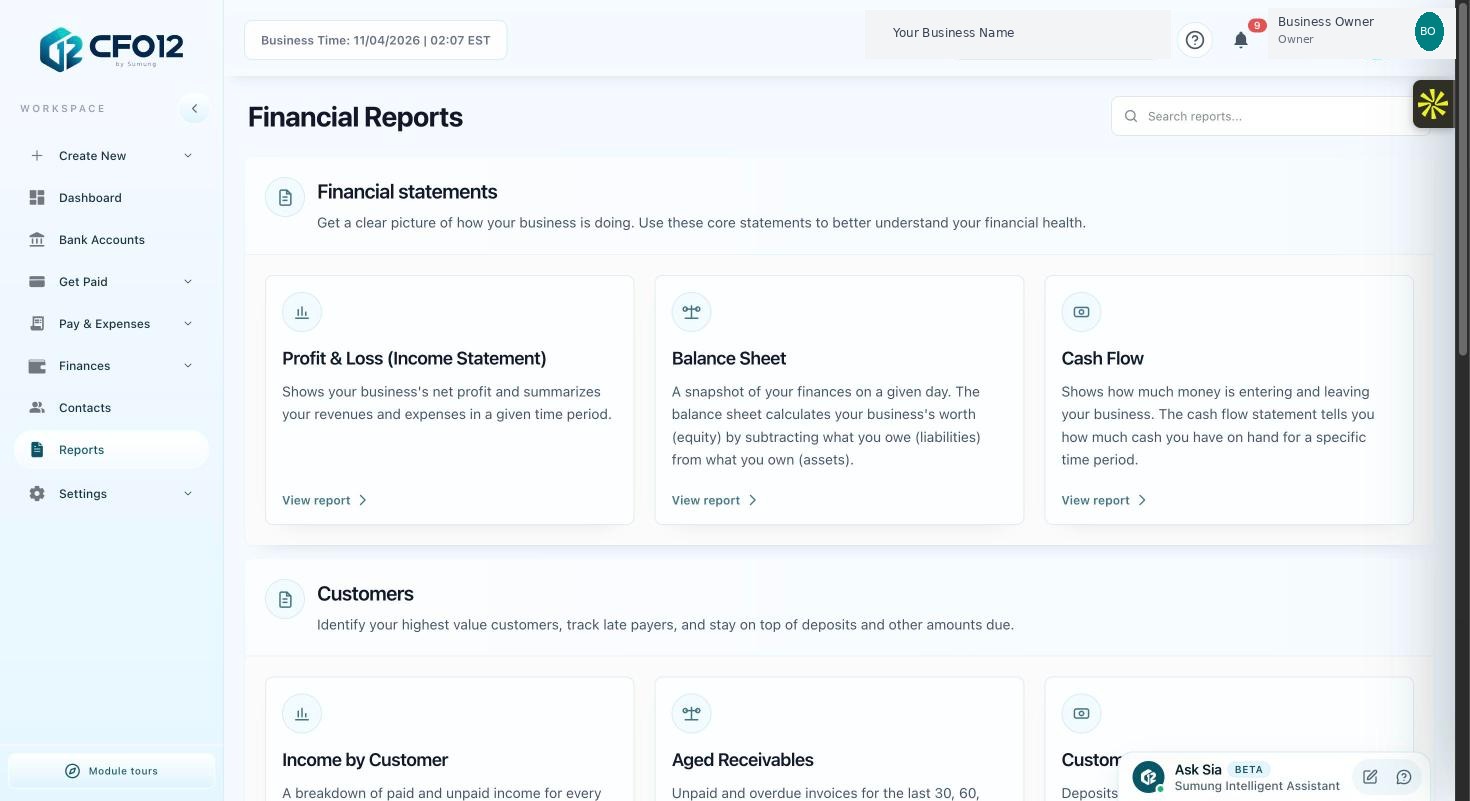
The Cash Flow shows whether your business generated or consumed cash in the period.
What You Can Do
- Go to Reports > Cash Flow.
- Set the date range.
- Review cash from core business operations.
- Review other activity sections if applicable.
- Net Cash Flow shows whether your cash position improved or declined.
💡 Strong operating cash flow means your business earns cash from its core activities — a key sign of financial health.
Related Articles
- How to View the Cash Flow
- How to Run the Profit & Loss Report
- Overview of Reports
Was this article helpful?
Your feedback helps us improve our documentation.