At year end, run a full set of financial reports from CFO12 to close the books and prepare for tax.
What You Can Do
- Ensure all invoices, bills, and bank transactions are entered for the year.
- Post all year-end journal entries (depreciation, accruals, prepaid amortisation).
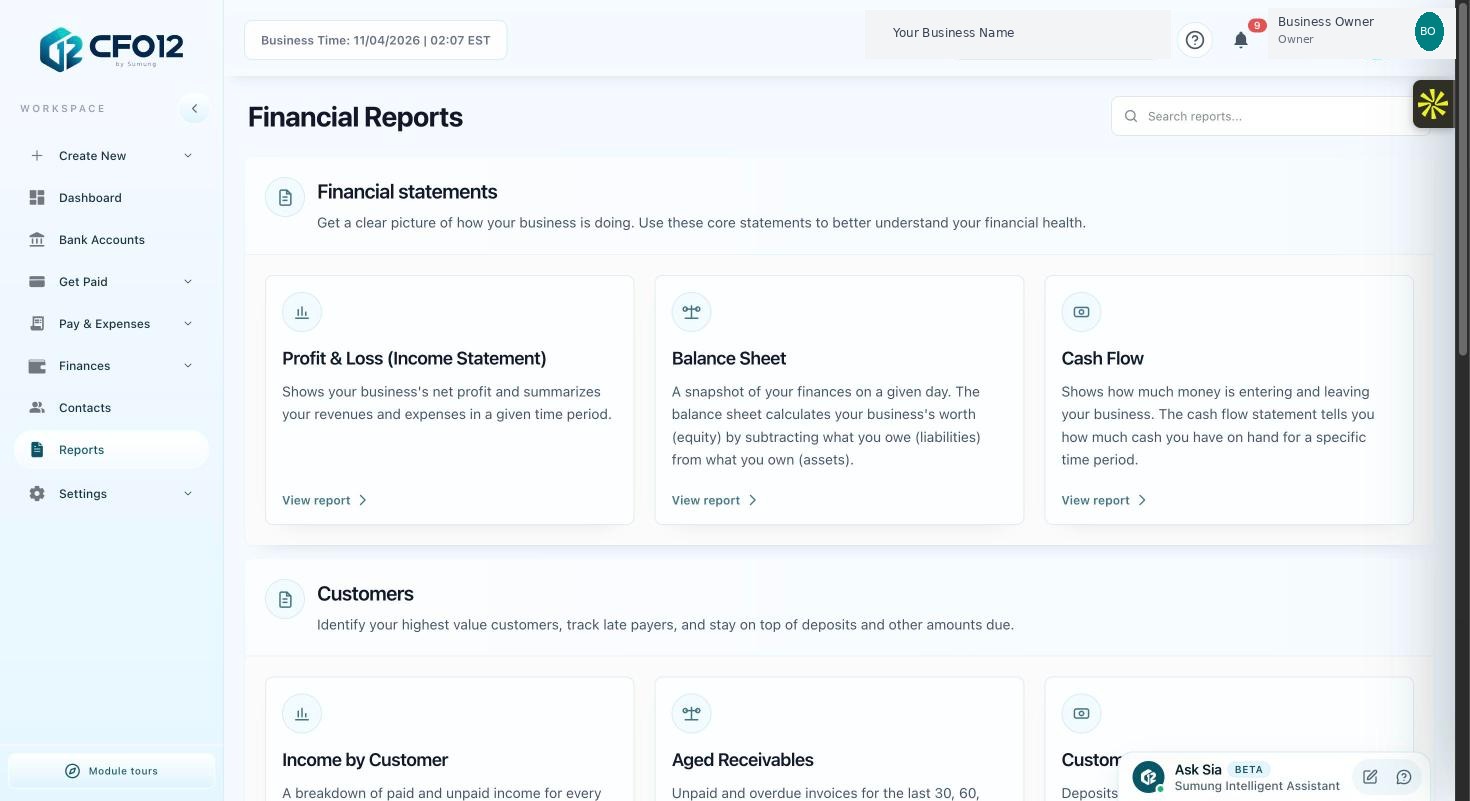
- Run Profit & Loss for the full year.
- Run Balance Sheet as of year end.
- Run General Ledger and Trial Balance for the year.
- Export all reports and provide to your accountant.
💡 A complete year-end close in CFO12 makes tax preparation much faster and reduces errors.
Related Articles
Was this article helpful?
Your feedback helps us improve our documentation.