Use the Aged Receivables report to get a clear picture of outstanding customer balances.
What You Can Do
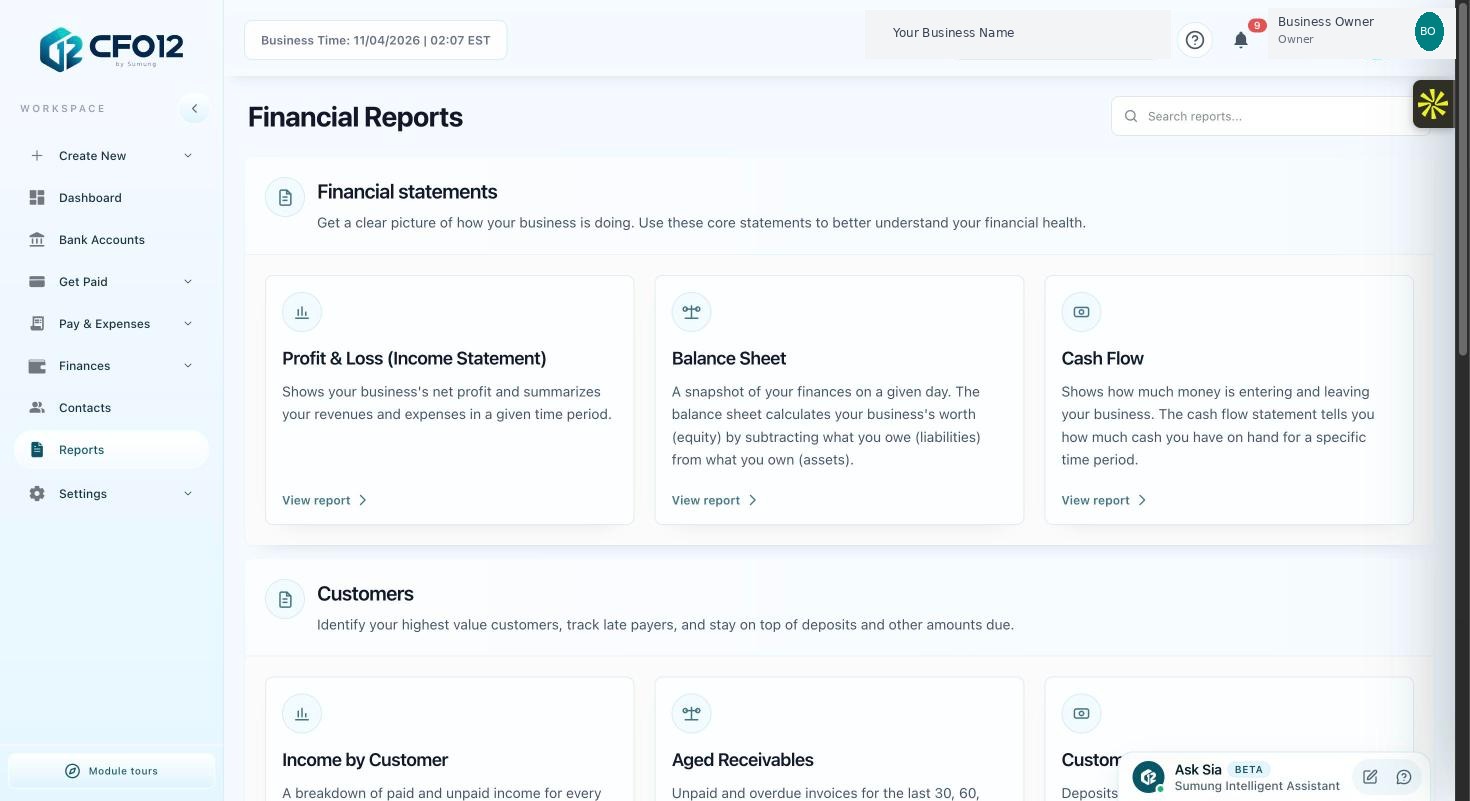
- Go to Reports > Aged Receivables.
- Set the date to today.
- The report shows every customer with an outstanding balance.
- Total Receivables at the bottom shows the full amount owed to your business.
- Break it down by aging bucket to prioritise follow-up.
💡 Total Accounts Receivable on the Balance Sheet matches the Aged Receivables total.
Related Articles
- How to View the Aged Receivables Report
- How to View Customer Statements
- Overview of Reports
Was this article helpful?
Your feedback helps us improve our documentation.