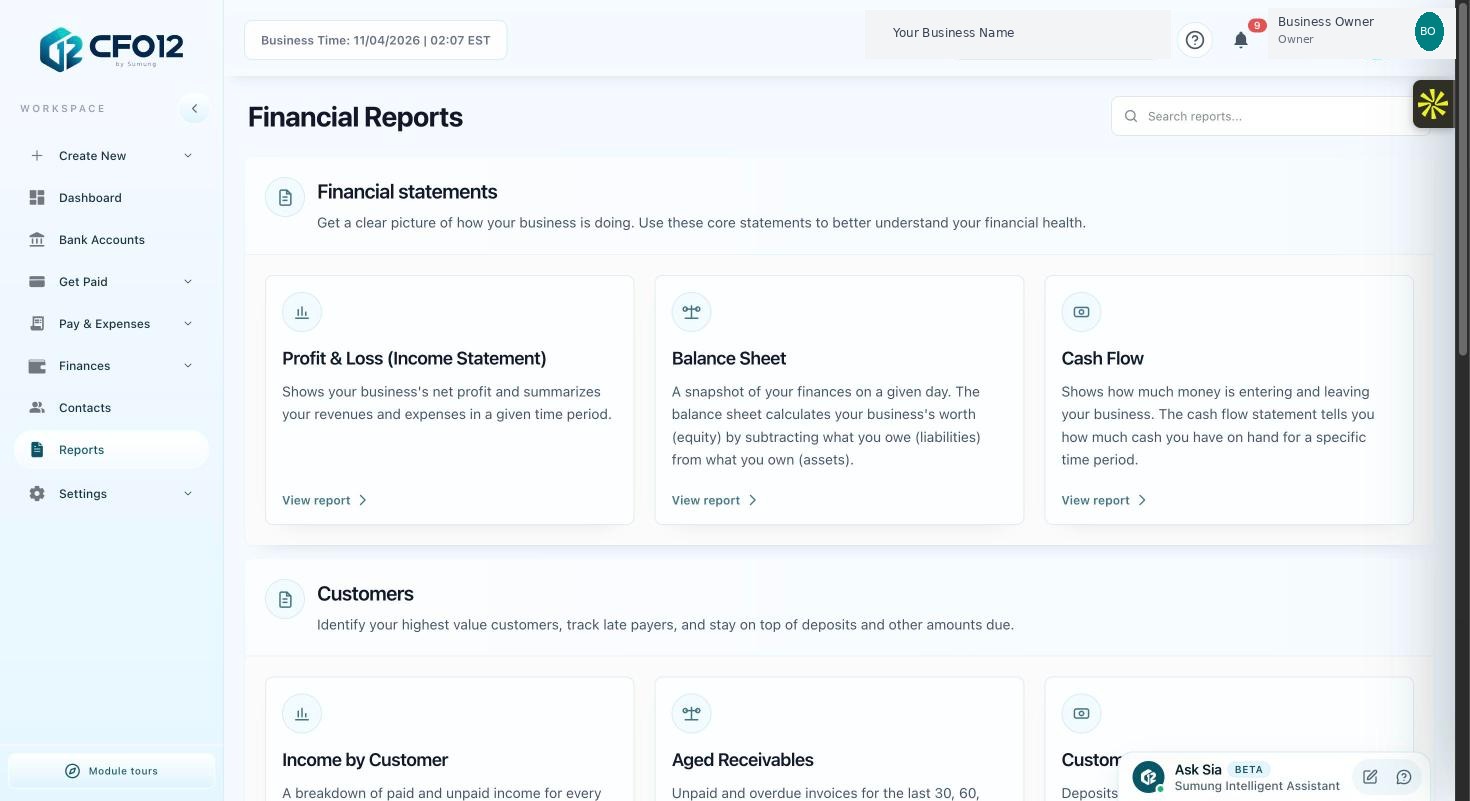
Use the Profit & Loss report across multiple periods to identify revenue and expense trends.
What You Can Do
- Run the Profit & Loss report for the current period.
- Export the report for further use.
- Run the Profit & Loss report for the same period last year.
- Export that report as well.
- Compare income and expense categories across the two exports to identify what has changed.
💡 Period-over-period comparison is one of the most powerful uses of financial reports. Comparison views may be available in future versions of CFO12.
Related Articles
- How to Run the Profit & Loss Report
- How to Export a Report
- Overview of Reports
Was this article helpful?
Your feedback helps us improve our documentation.