Each receipt record in CFO12 displays key details about the expense.
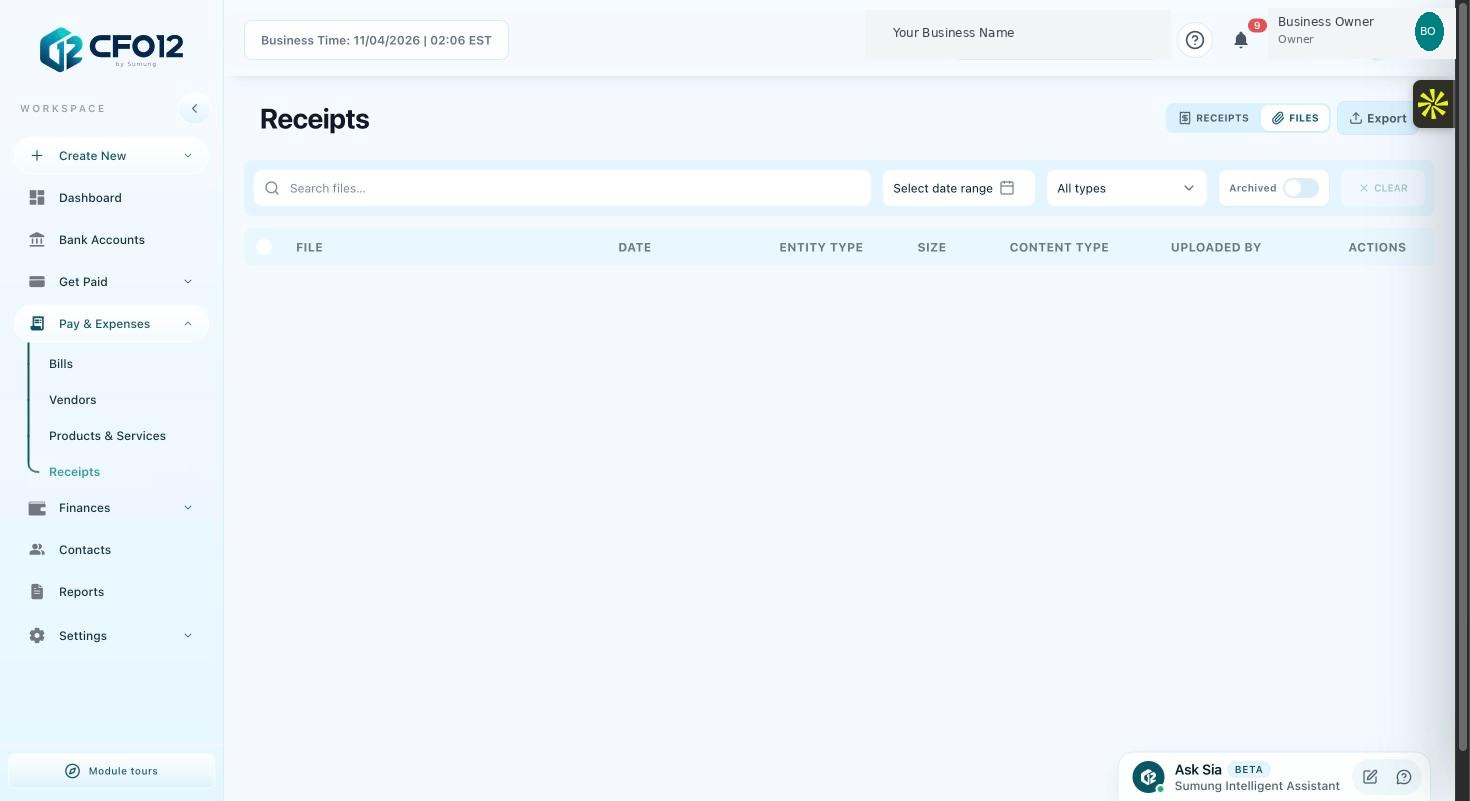
What You Can Do
- Open a receipt from the RECEIPTS tab.
- In the RECEIPTS tab list, each row shows: File, Date, Entity type, Size, Content type, Uploaded by, and Actions.
- The uploaded document file is accessible from the receipt view.
- The FILES tab also lists all uploaded documents.
💡 Keeping receipt details accurate ensures your expense records are reliable.
Related Articles
- How to View Receipt Details
- How to Edit a Receipt
- How to Create a New Receipt
Was this article helpful?
Your feedback helps us improve our documentation.