Opening a receipt shows all its details, including the uploaded file and linked bill.
What You Can Do
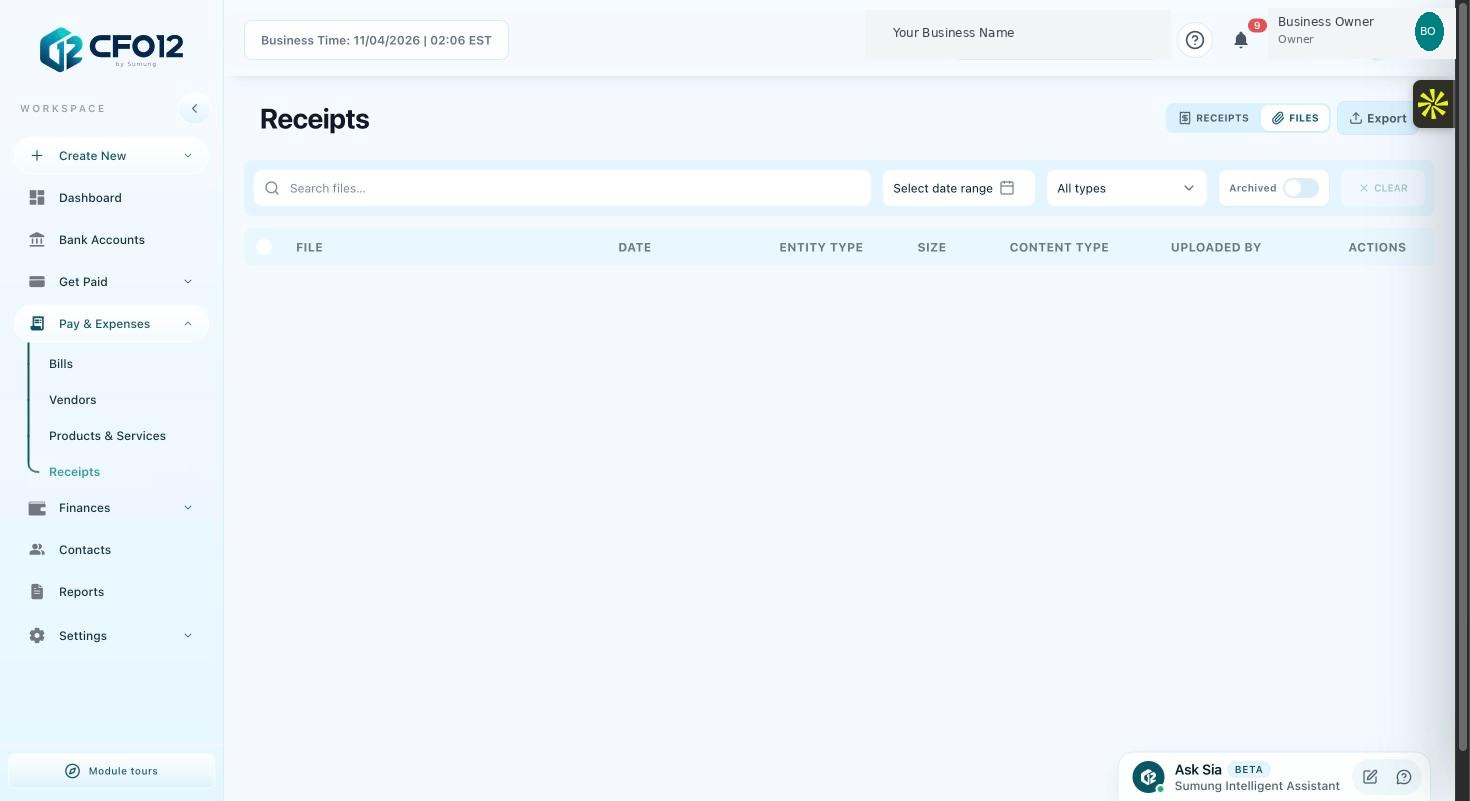
- Go to Pay & Expenses > Receipts.
- Click on a receipt in the list.
- The detail view shows details and any uploaded files.
- From here you can view the uploaded document.
💡 Reviewing receipt details before exporting ensures your records are complete and accurate.
Related Articles
- How to Edit a Receipt
- How to Upload a Receipt File
- How to View All Receipts
Was this article helpful?
Your feedback helps us improve our documentation.