Double-check that receipt amounts in CFO12 match the actual expense documents.
What You Can Do
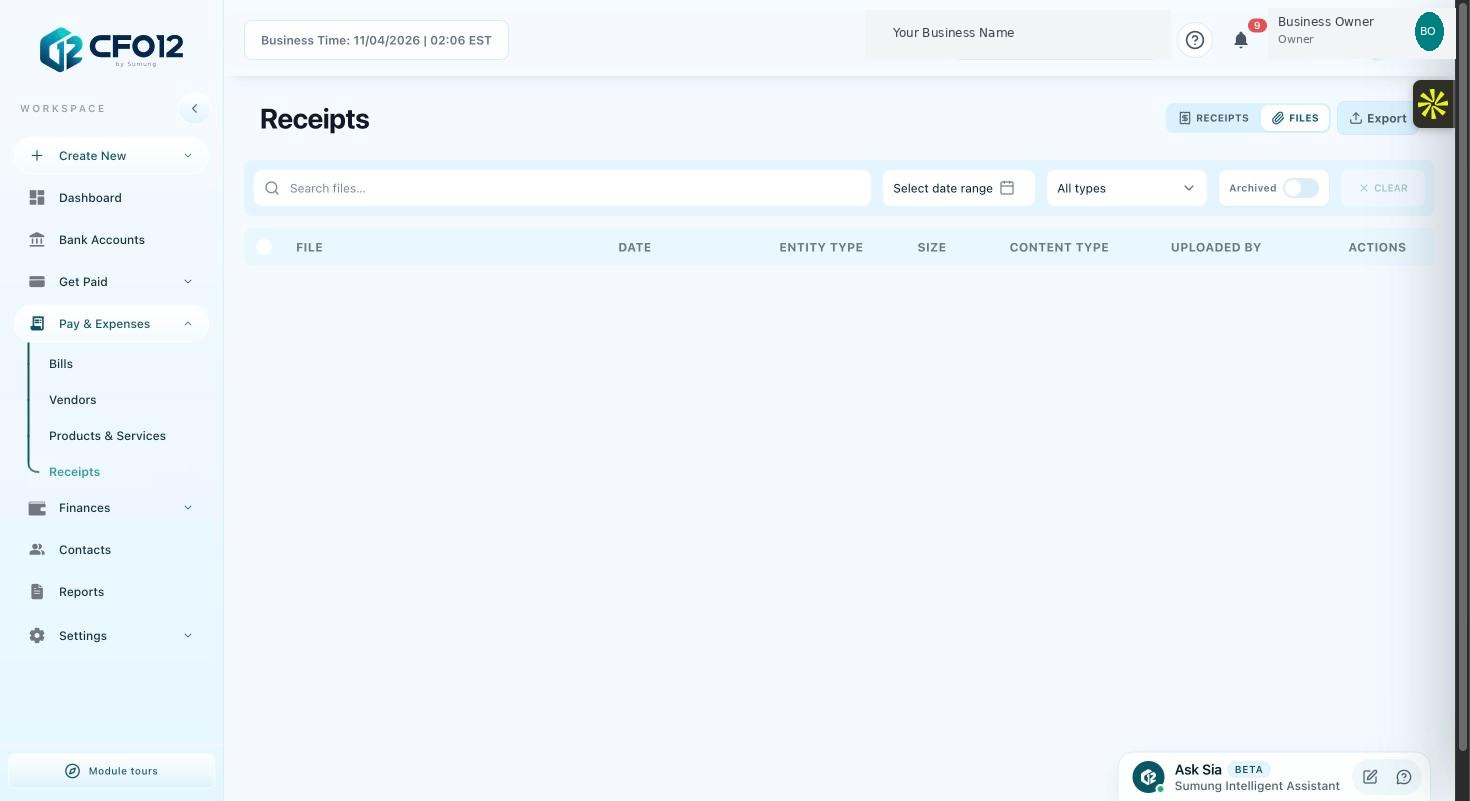
- Open a receipt from the Receipts list.
- Review the uploaded document file associated with the receipt.
- If a correction is needed, use available options to update the receipt.
💡 Accurate receipt records are important for financial reporting.
Related Articles
- How to Edit a Receipt
- How to View Receipt Details
- How to Upload a Receipt File
Was this article helpful?
Your feedback helps us improve our documentation.