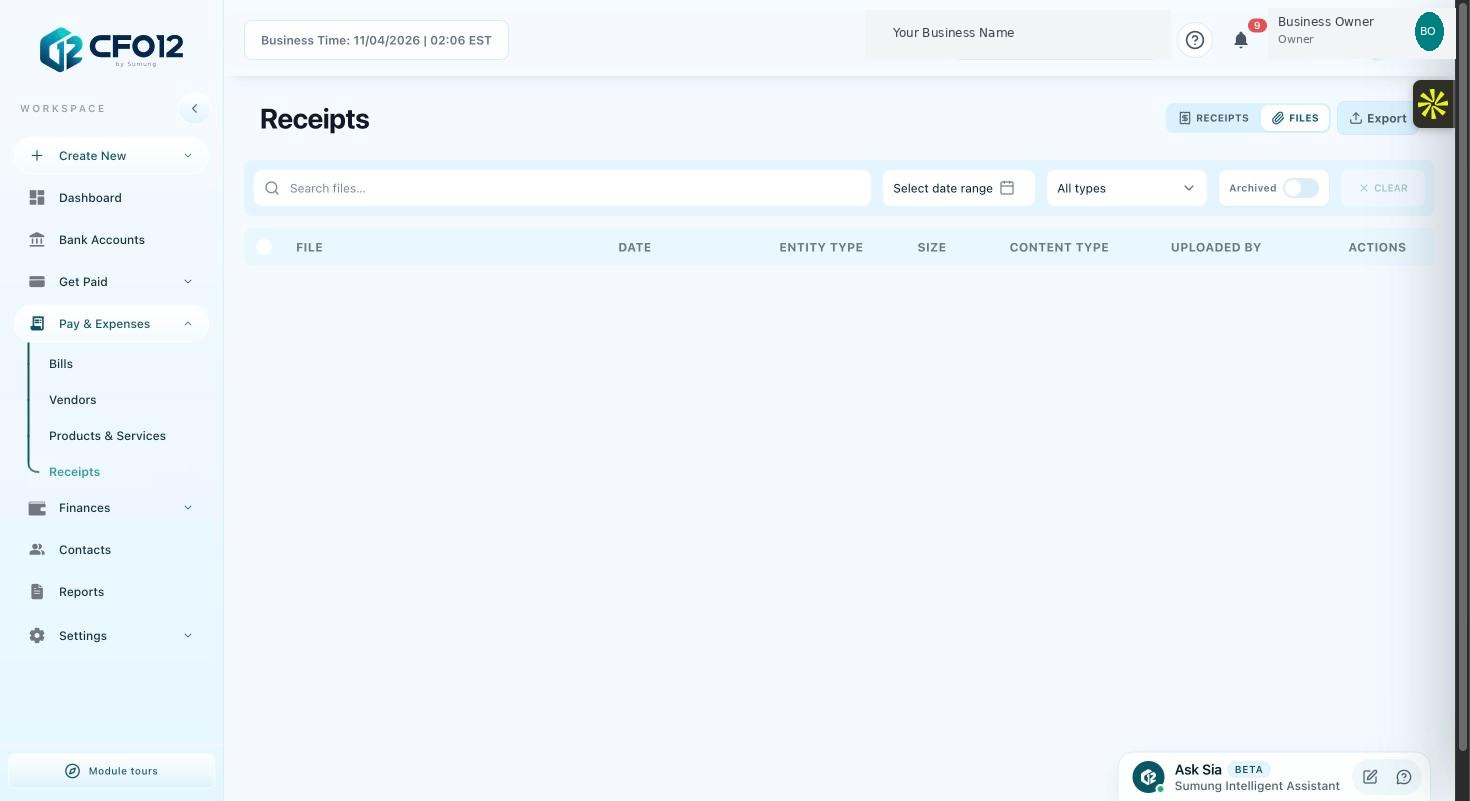
The FILES tab lets you review all uploaded expense documents in one place.
What You Can Do
- Go to Pay & Expenses > Receipts.
- Click the FILES tab.
- Browse through all uploaded files.
- Click any file to open and review its contents.
- Use available options to manage your uploaded files.
💡 Reviewing the FILES tab regularly ensures all documents are properly linked and categorised.
Related Articles
Was this article helpful?
Your feedback helps us improve our documentation.