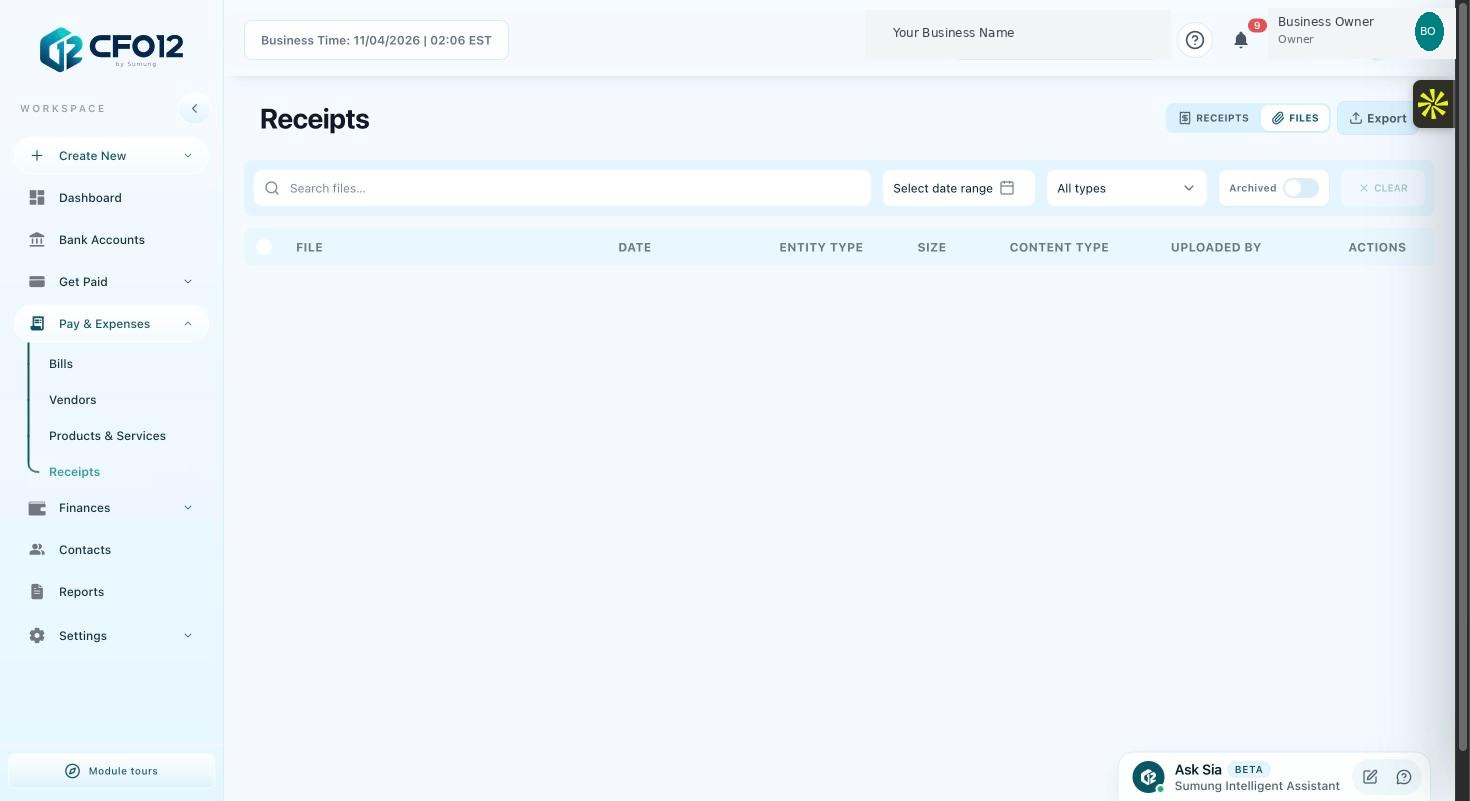
The FILES tab stores all files you have uploaded to the Receipts section.
What You Can Do
- Go to Pay & Expenses > Receipts.
- Click the FILES tab.
- The tab shows all uploaded files regardless of whether they are uploaded to the receipts section.
- Use it to browse and manage your uploaded expense documents.
💡 Files not yet uploaded appear in the FILES tab, making it easy to find and assign them.
Related Articles
- How to Upload a Receipt File
- What Is the Receipts Tab vs. Files Tab?
- How to Create a New Receipt
Was this article helpful?
Your feedback helps us improve our documentation.