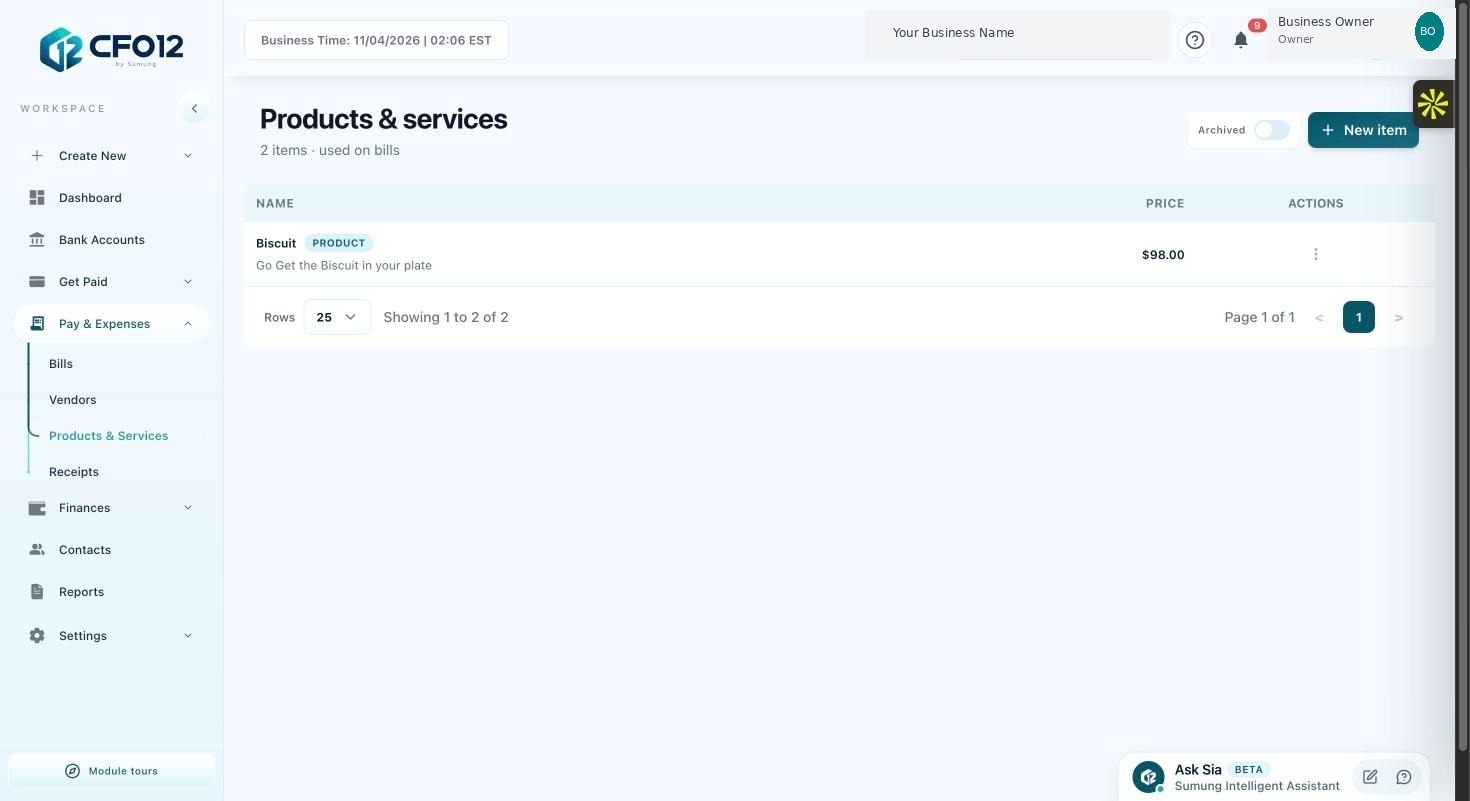
The Products & Services page under Pay & Expenses shows items configured for use on bills.
What You Can Do
- Go to Pay & Expenses > Products & Services.
- The page lists all active items used on bills.
- Key details are shown for each item, including its name and price.
- The page title shows the total count and indicates these items are used on bills.
- Click Archived to view archived items.
💡 Items with On invoices toggled on also appear on the Get Paid > Products & Services page.
Related Articles
- How to Add a Product for Bills
- How to Edit a Product
- How to Archive a Product
Was this article helpful?
Your feedback helps us improve our documentation.