In CFO12, a single product or service item can be used on both invoices and bills.
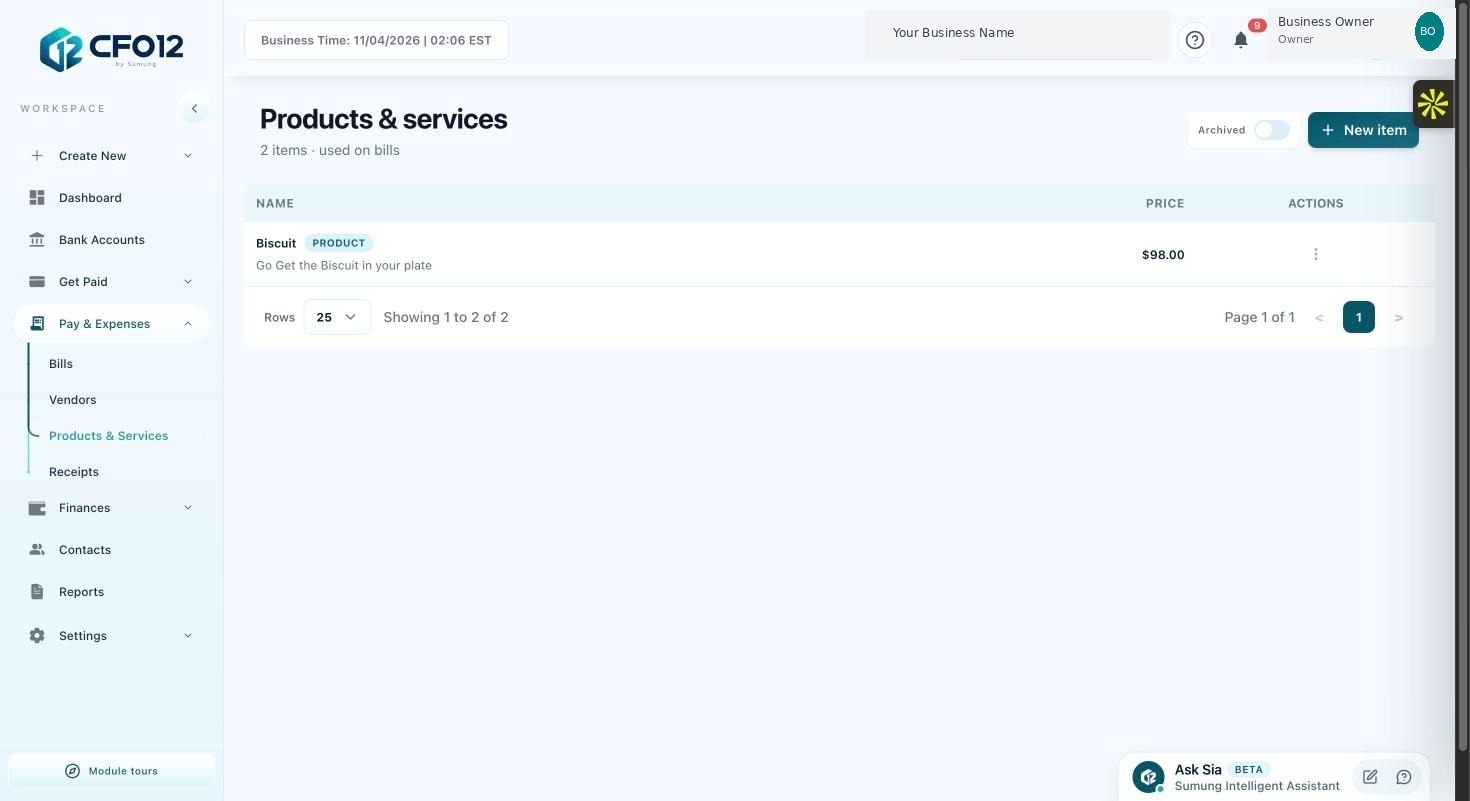
What You Can Do
- Go to Create New > New Product/Service or either Products & Services page.
- When creating an item, set USAGE to On invoices, On bills, or both.
- Items with On invoices enabled appear on the Get Paid > Products & Services page.
- Items with On bills enabled appear on the Pay & Expenses > Products & Services page.
- Toggle Taxable on to include the item in tax calculations.
💡 Creating shared items saves time — you only need to set up each product or service once.
Related Articles
- How to Add a Product for Invoices
- How to Add a Product for Bills
- How to Edit a Product
Was this article helpful?
Your feedback helps us improve our documentation.