Restore an archived account to active use when you need to record transactions to it again.
What You Can Do
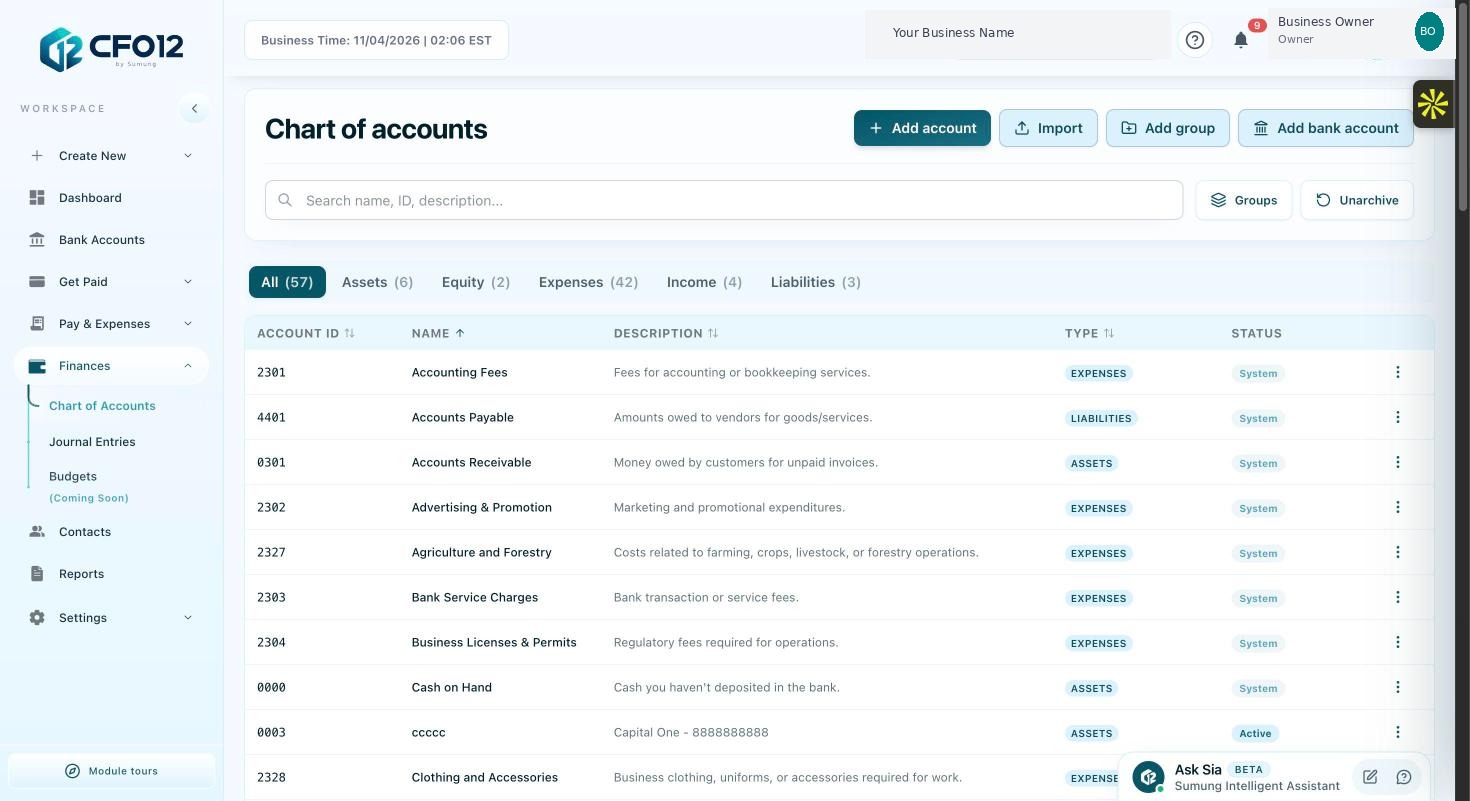
- Go to Finances > Chart of Accounts.
- Open the archived accounts view.
- Find the account you want to restore.
- Click Unarchive or the restore action.
- The account returns to active status and is available for transactions.
💡 Unarchiving an account restores it to all transaction dropdowns in invoices, bills, and journal entries.
Related Articles
Was this article helpful?
Your feedback helps us improve our documentation.