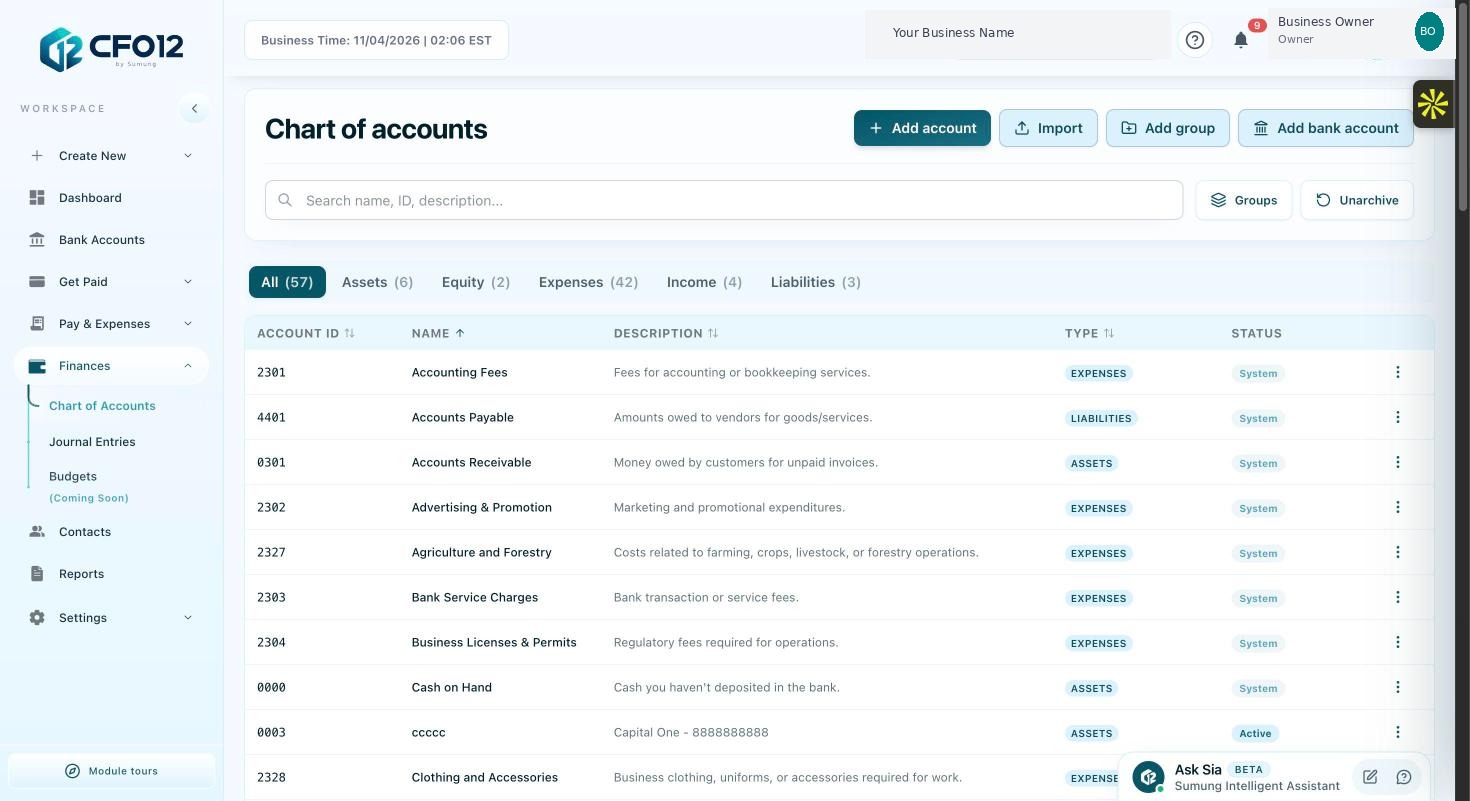
Each account in the Chart of Accounts has a name and type that explain what it is used for.
What You Can Do
- Go to Finances > Chart of Accounts.
- Click on an account to view its details and understand its intended use.
- The account name and type help identify the correct account for each transaction.
- Use this to select the right account when categorising transactions.
💡 Reviewing account names and types is especially useful for new team members learning the Chart of Accounts.
Related Articles
- How to View All Accounts
- How to Add a New Account
- Overview of the Chart of Accounts
Was this article helpful?
Your feedback helps us improve our documentation.