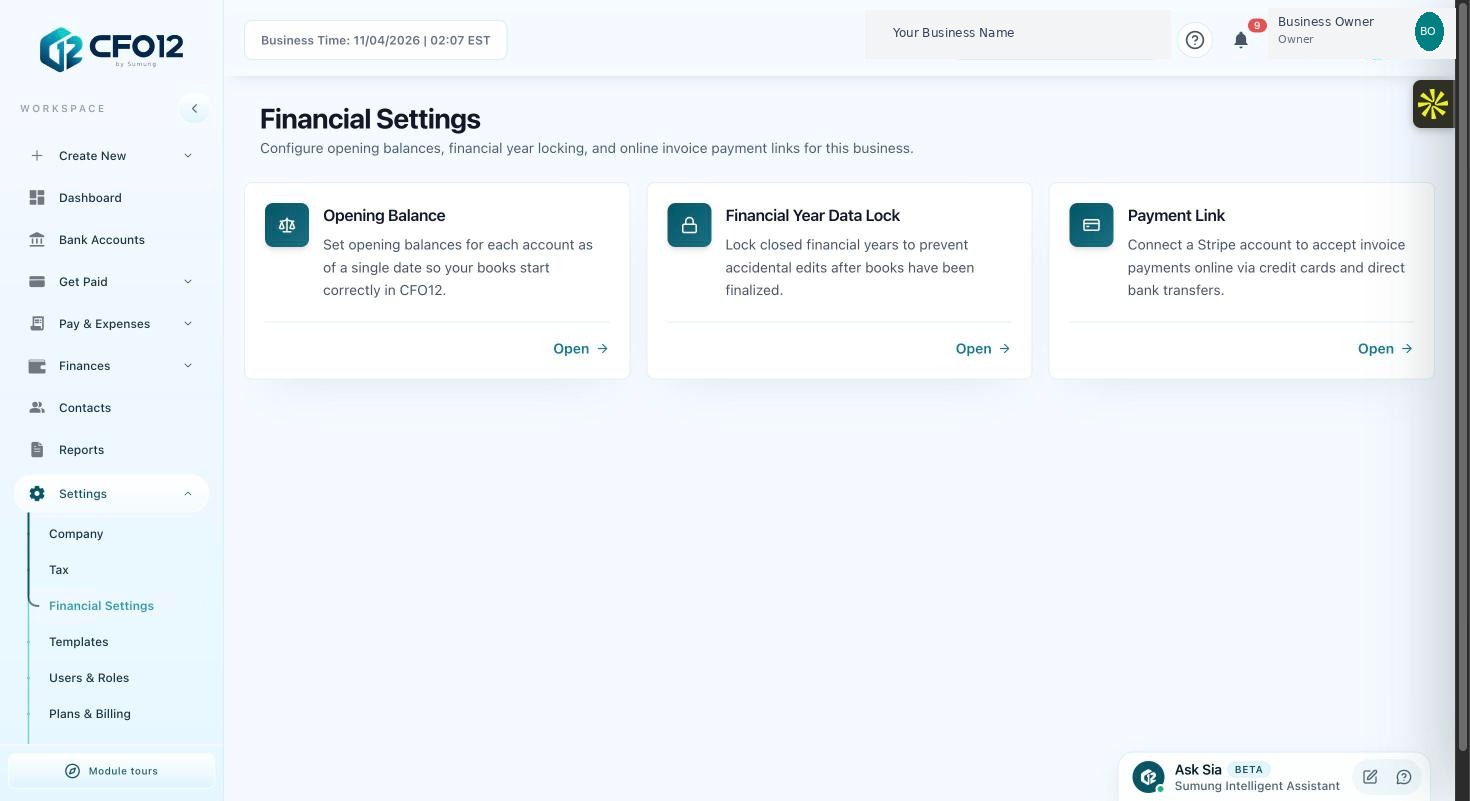
Connect a Stripe account via Payment Link to accept invoice payments online via credit cards and direct bank transfers.
What You Can Do
- Go to Settings > Financial Settings.
- Find the Payment Link section.
- Connect your Stripe account to enable Payment Link.
- Once connected, invoices sent to customers include a Pay Now link.
- Customer payments via Stripe are recorded automatically in CFO12.
Payment Link reduces the time it takes customers to pay by allowing credit card and direct bank transfer payments from the invoice itself, improving your cash flow.
Related Articles
- How to Set Up Financial Settings
- How to Send an Invoice
- Overview of Settings
Was this article helpful?
Your feedback helps us improve our documentation.