A regular review of your CFO12 settings ensures your account is configured correctly.
What You Can Do
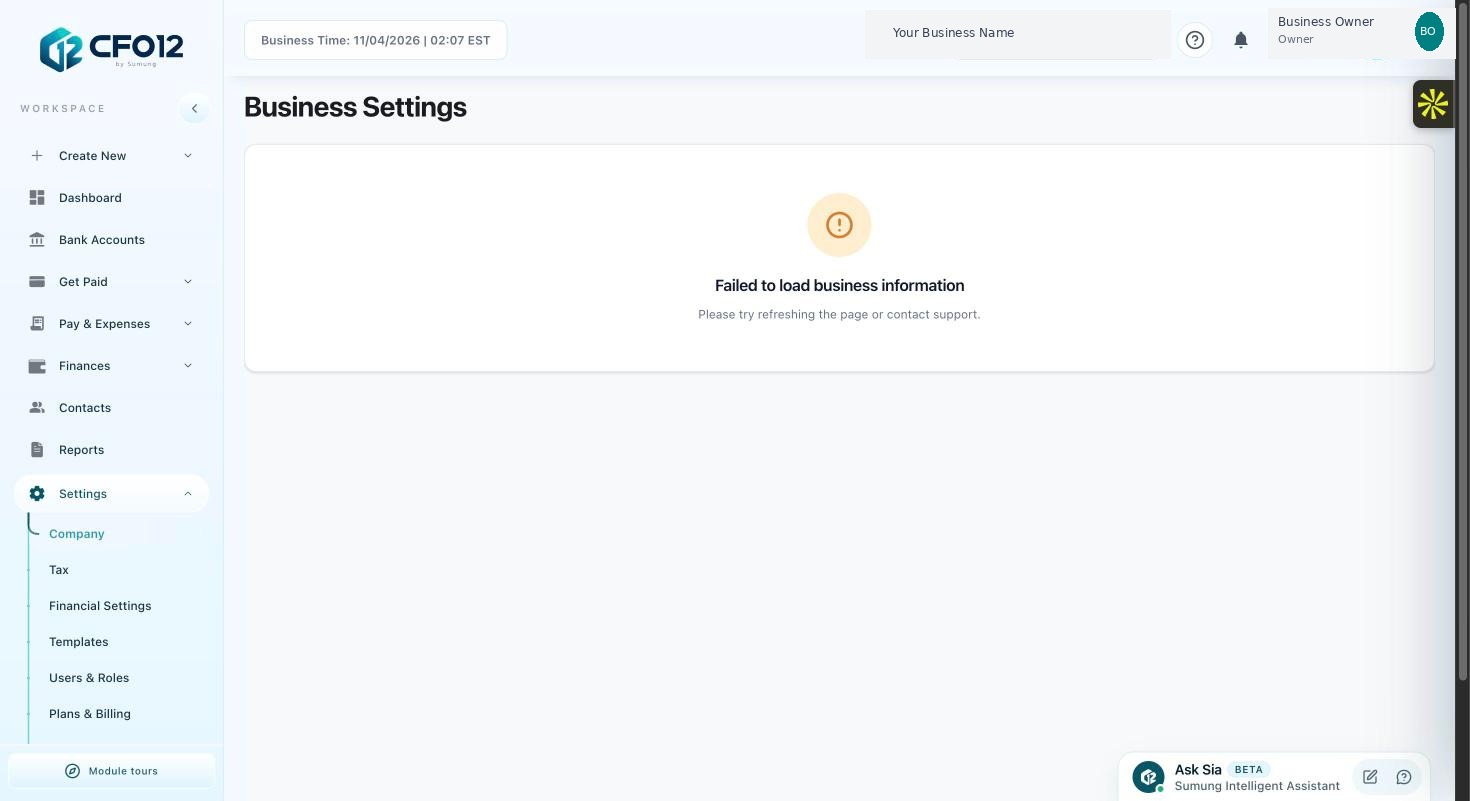
- Go to Settings.
- Review Company: check business name, address, and logo.
- Review tax-related settings: verify tax rates are current and correct.
- Review Financial Settings: confirm Financial Year Data Lock, Opening Balance, and Payment Link status.
- Review Templates settings: ensure your document templates look correct.
- Review Users & Roles: verify access is appropriate for all users.
💡 A quarterly settings review catches outdated configurations before they cause problems.
Related Articles
- How to Update Company Information
- Overview of Settings
- How to Invite a New User
Was this article helpful?
Your feedback helps us improve our documentation.