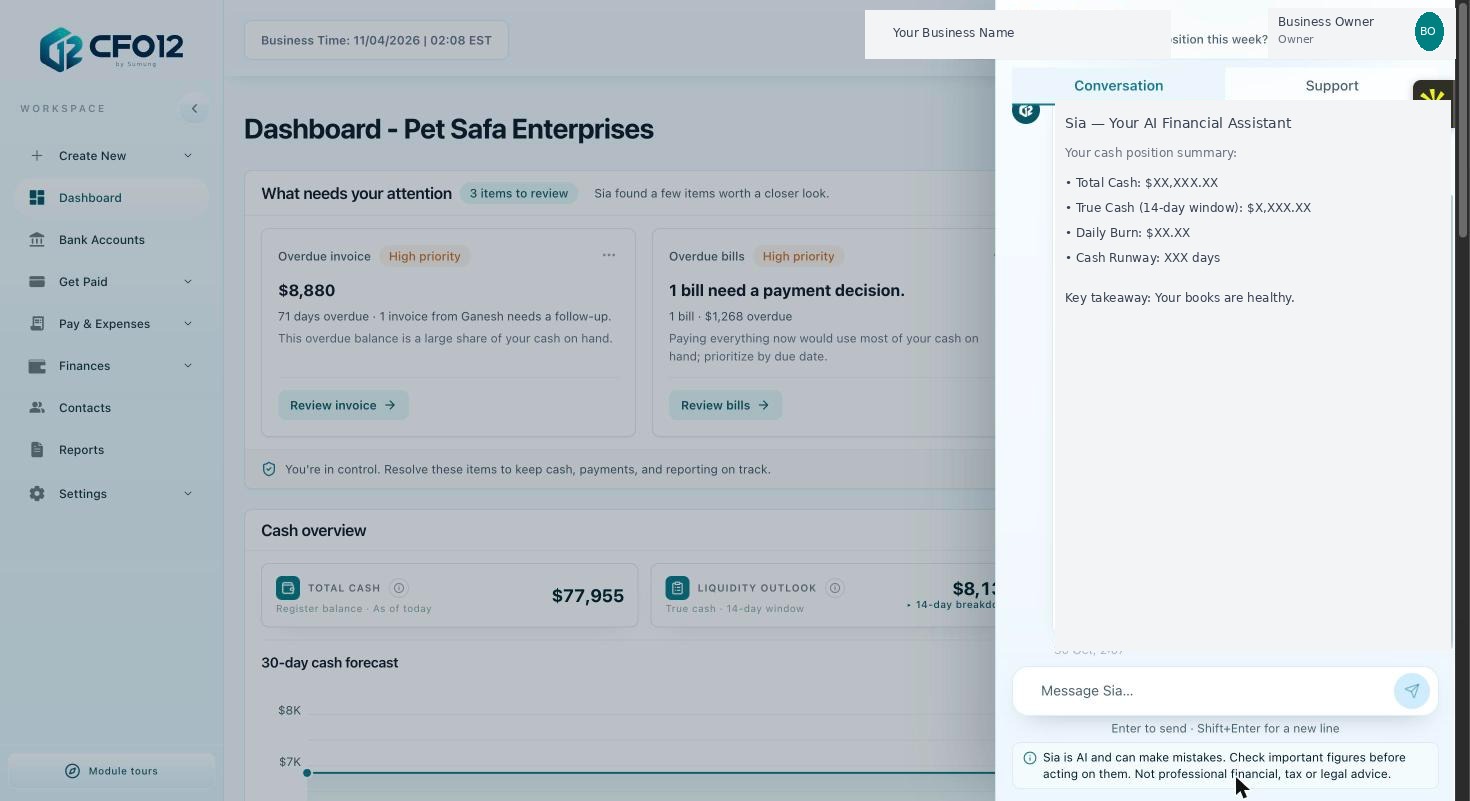
Ask Sia for quick revenue summaries without running a full Profit & Loss report.
What You Can Do
- Go to Ask Sia.
- Type: 'What was my total revenue this month?' or 'What is my income year to date?'
- Sia reads your invoice data and returns a summary.
- Ask follow-up questions like 'Which customers contributed most?'
- For a formal report, go to Reports > Profit & Loss.
💡 Sia's revenue answers are based on your invoiced amounts in CFO12 — ensure invoices are current.
Related Articles
- How to Use Ask Sia
- How to Run the Profit & Loss Report
- What Can Ask Sia Do?
Was this article helpful?
Your feedback helps us improve our documentation.