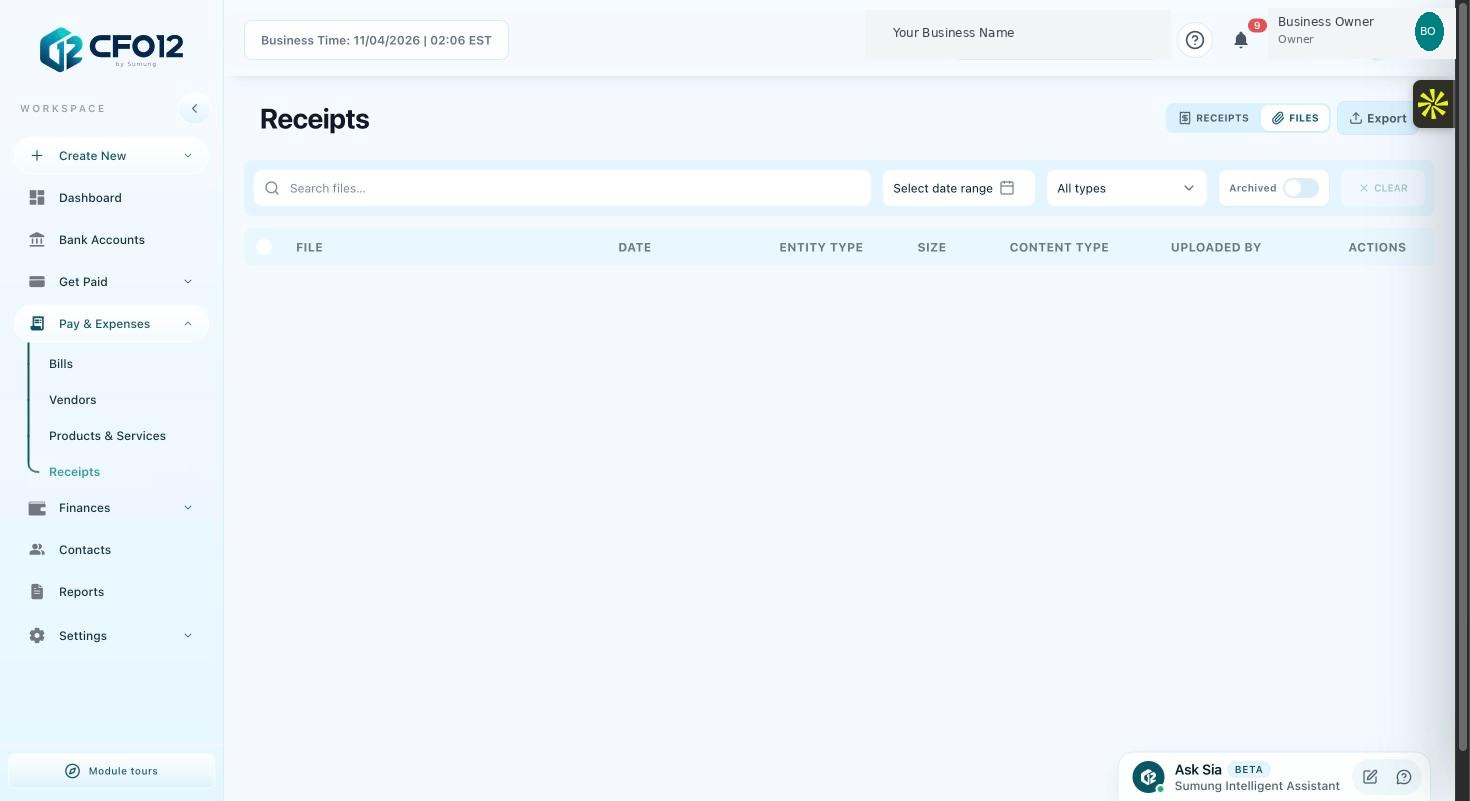
CFO12 provides secure digital storage for all your expense receipts.
What You Can Do
- Go to Pay & Expenses > Receipts.
- Click Create New > New Receipt.
- Upload a receipt file.
- Fill in the receipt details as required.
- Save the receipt. It is now stored digitally in CFO12.
💡 Going paperless with receipts reduces clutter and makes finding documents much faster.
Related Articles
Was this article helpful?
Your feedback helps us improve our documentation.