Review your total monthly expenses using the receipts and reports available in CFO12.
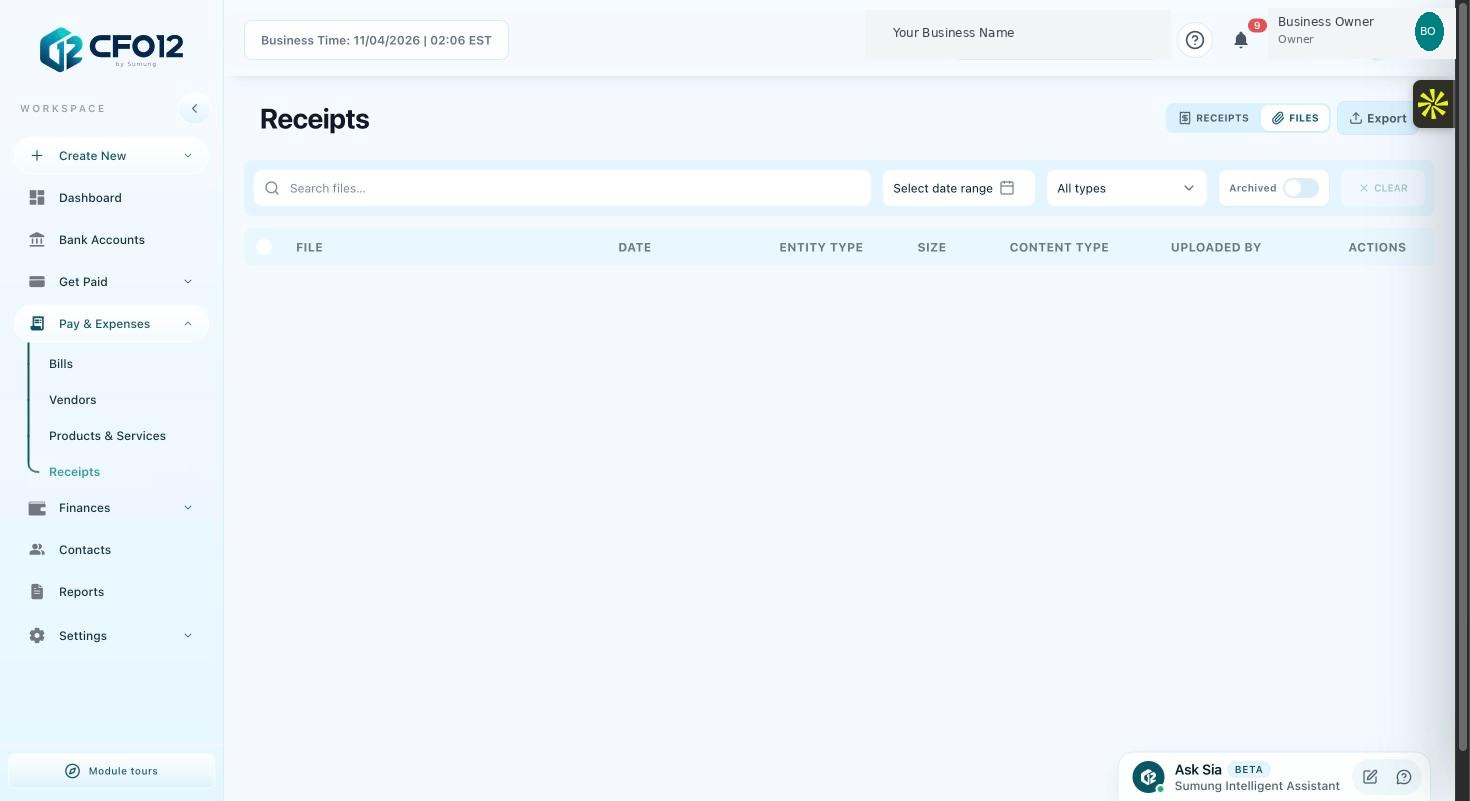
What You Can Do
- Go to Pay & Expenses > Receipts in the left sidebar.
- Click Select date range and choose the month you want to review.
- Click Export to download the filtered receipts as a file for review or reporting.
💡 Regular reviews help you spot unusual expenses and keep your records current.
Related Articles
- How to Filter Receipts by Date Range
- What Is the Profit & Loss Report?
- How to View All Receipts
Was this article helpful?
Your feedback helps us improve our documentation.