Use the Receipts section alongside financial reports to review all business expenses.
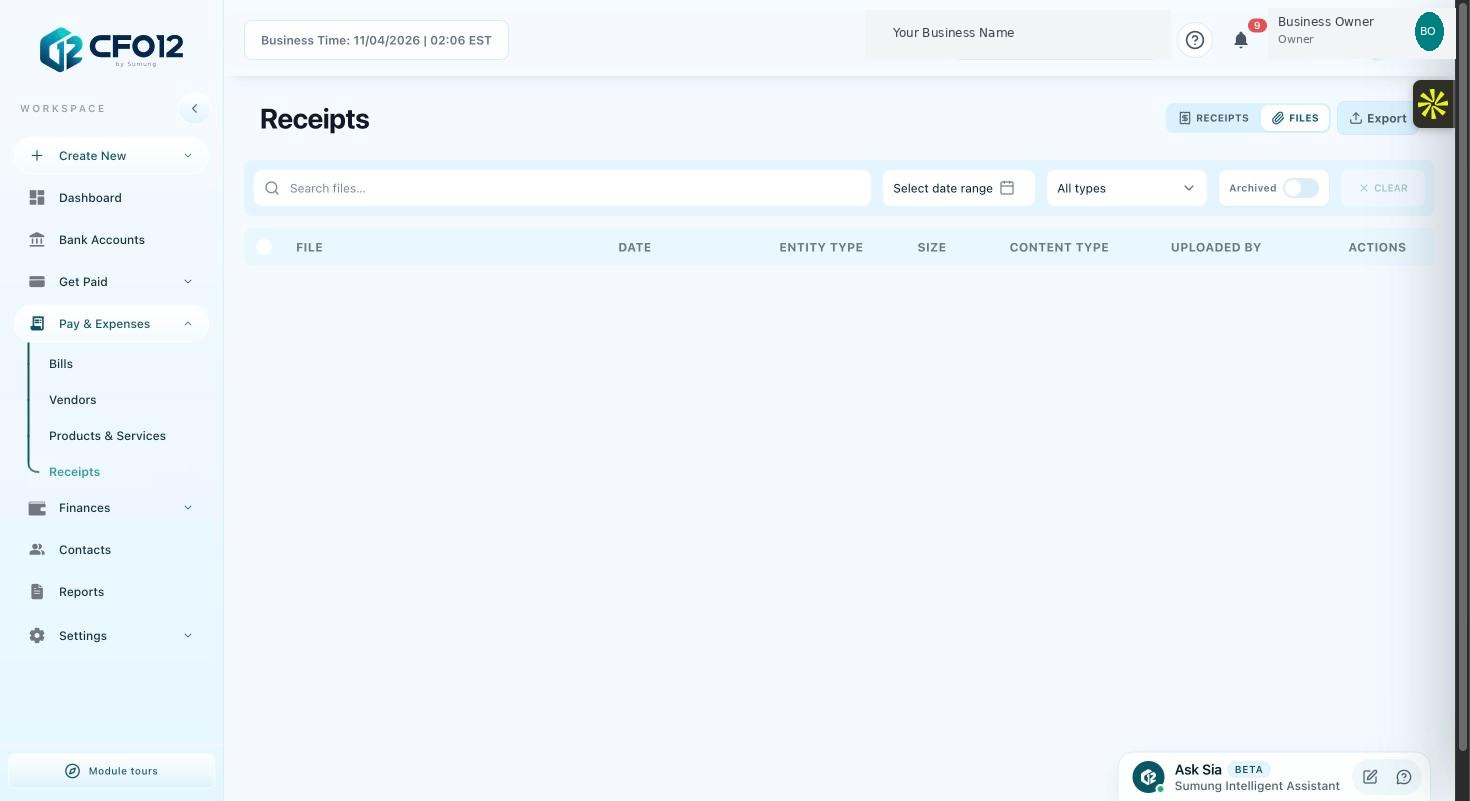
What You Can Do
- Go to Pay & Expenses > Receipts to see your receipt-based expenses.
- Use the Select date range filter and All types dropdown to focus on specific expense groups.
- Click Export to download your receipts data for external review or reporting.
💡 Reviewing your receipts regularly gives you a clear picture of business spending.
Related Articles
- What Is the Profit & Loss Report?
- How to View All Receipts
- How to Filter Receipts by Date Range
Was this article helpful?
Your feedback helps us improve our documentation.