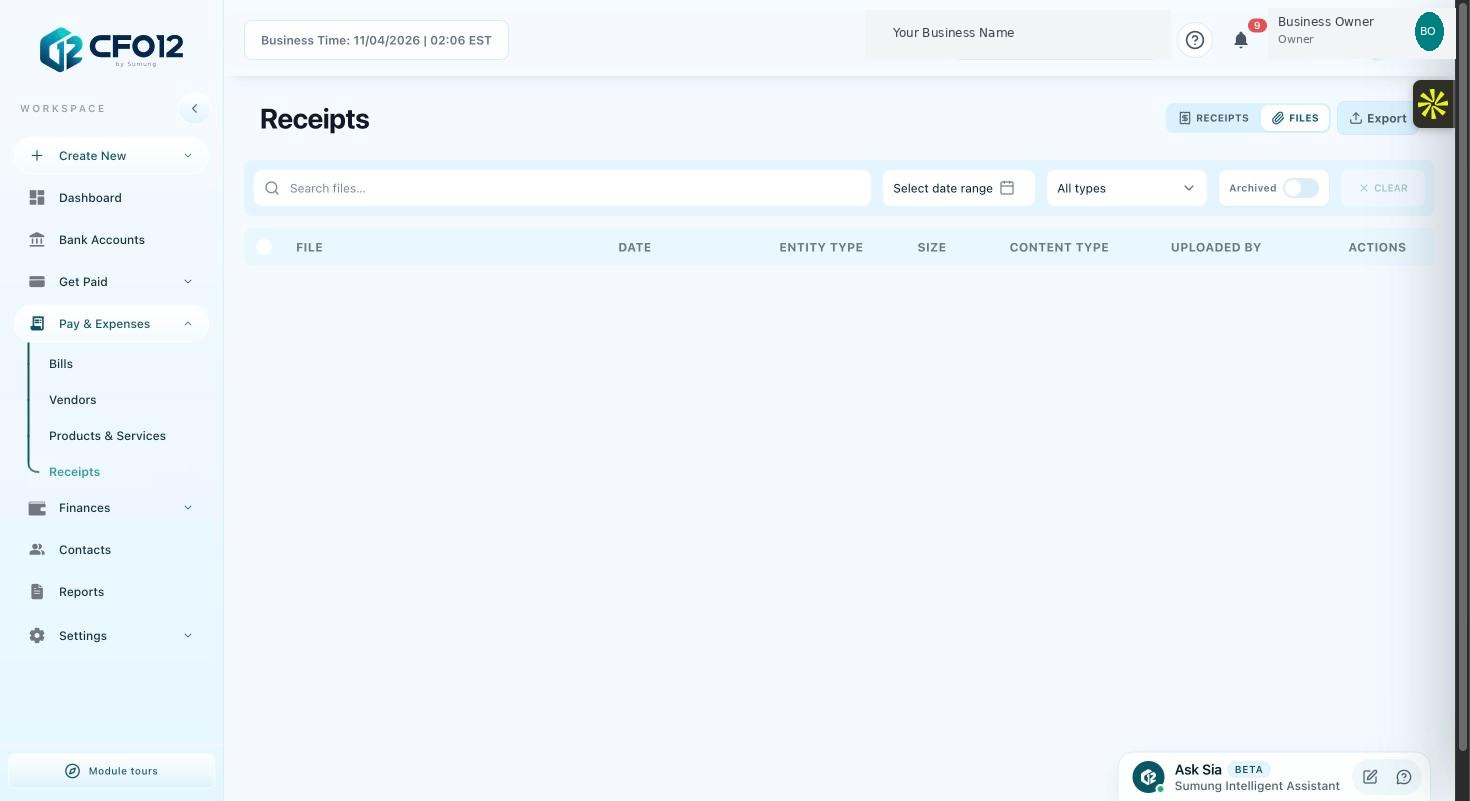
Use the date filter to group and review receipts by time period.
What You Can Do
- Go to Pay & Expenses > Receipts in the left sidebar.
- Click Select date range to open the date picker and choose a start and end date.
- The list updates to show receipts in that period. Click Clear to reset the filter.
💡 Reviewing receipts by period helps with expense tracking and reporting.
Related Articles
Was this article helpful?
Your feedback helps us improve our documentation.