Clearing the archive filter returns the receipts list to show only active records.
What You Can Do
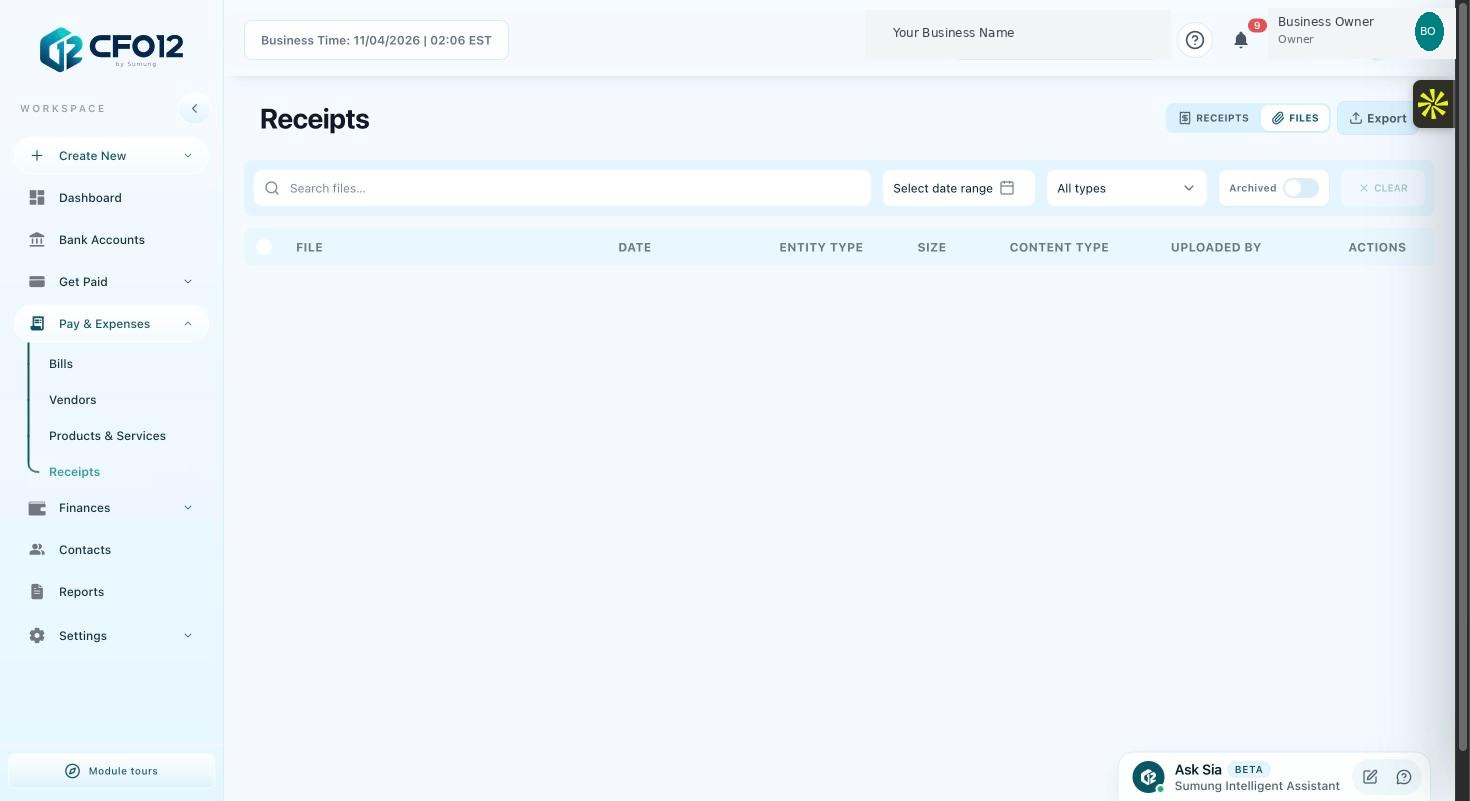
- Go to Pay & Expenses > Receipts in the left sidebar.
- The RECEIPTS tab shows your uploaded receipts.
- Use available options to adjust how your receipts are displayed.
💡 The RECEIPTS tab is your main view for managing uploaded expense receipts.
Related Articles
- How to View Archived Receipts
- How to Archive a Receipt
- How to View All Receipts
Was this article helpful?
Your feedback helps us improve our documentation.