Organising receipts in CFO12 helps ensure accurate expense reporting.
What You Can Do
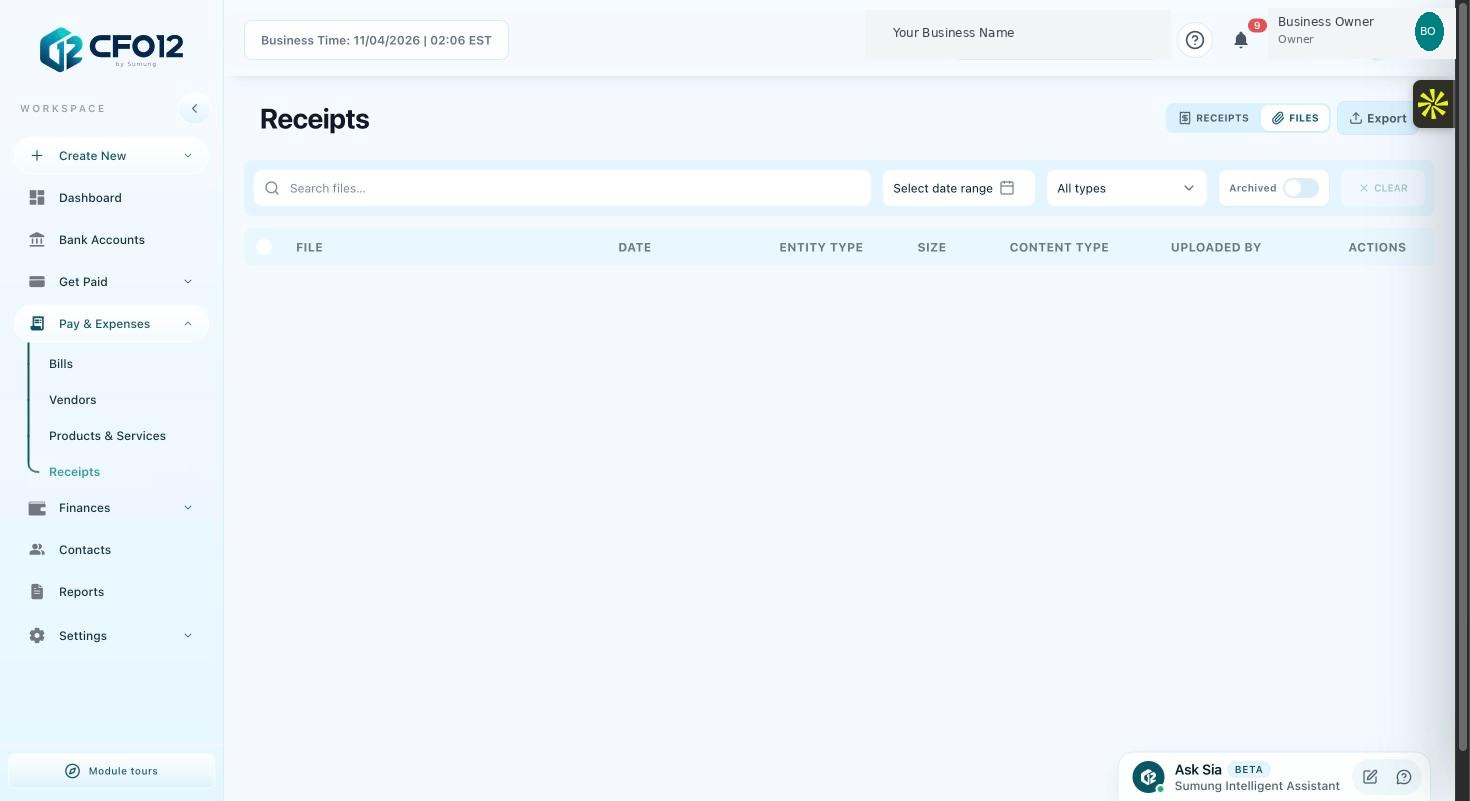
- Go to Pay & Expenses > Receipts in the left sidebar.
- When creating or editing a receipt, fill in the required details.
- CFO12 provides tools to help you organise receipts for reporting purposes.
💡 Keeping your receipt records organised supports accurate financial reporting.
Related Articles
- How to View All Receipts
- What Is the Profit & Loss Report?
- How to Create a New Receipt
Was this article helpful?
Your feedback helps us improve our documentation.