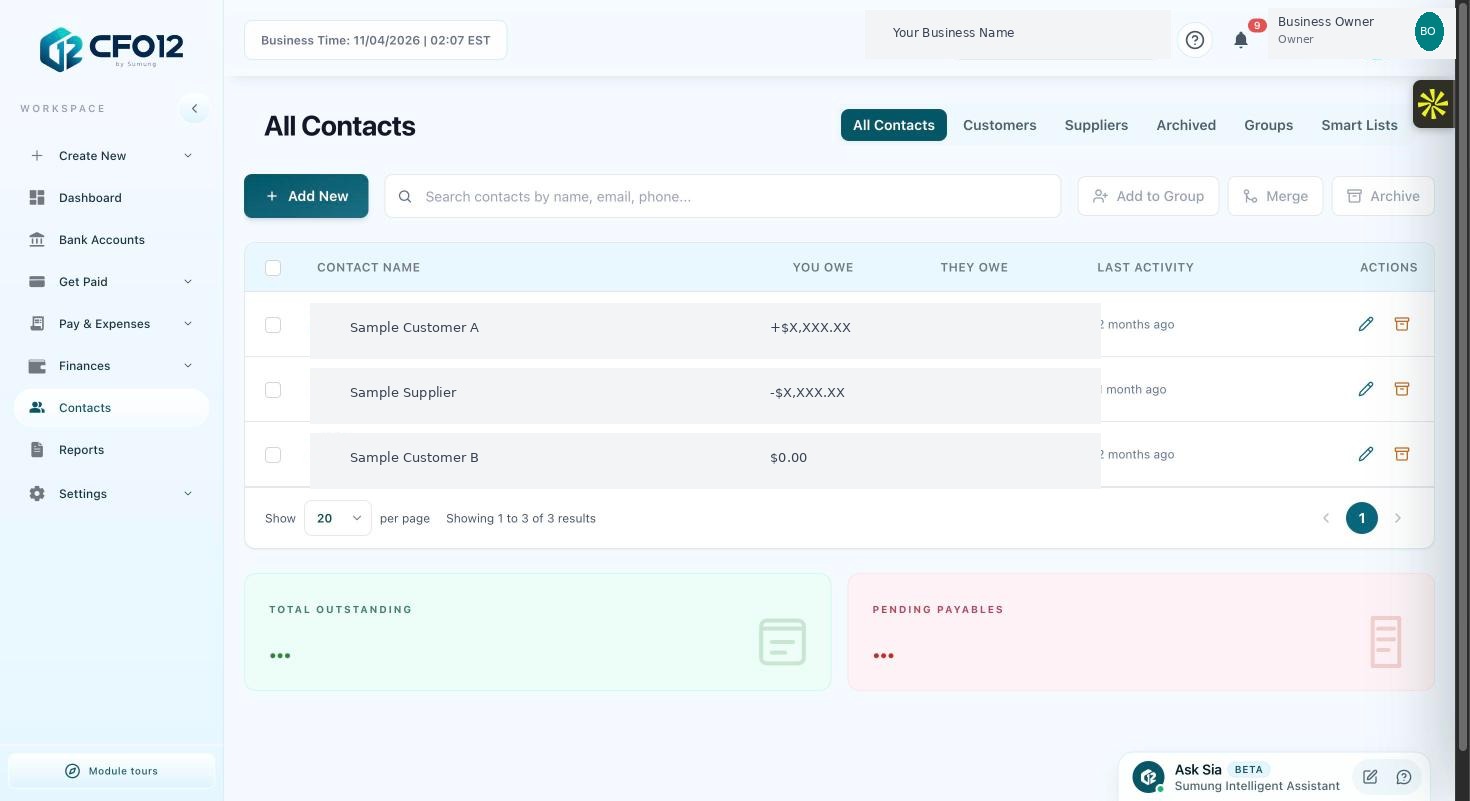
The All tab in Contacts gives you a complete view of every contact in your CFO12 account.
What You Can Do
- Go to Contacts > All tab.
- The list shows all customers and suppliers together.
- Each entry shows the contact name and type.
- Use this view to get a complete count of your contacts.
- Filter or search to narrow the list as needed.
💡 Reviewing the All tab periodically helps you identify inactive contacts to archive.
Related Articles
- How to Archive a Contact
- How to Search for a Contact
- Overview of Contacts
Was this article helpful?
Your feedback helps us improve our documentation.