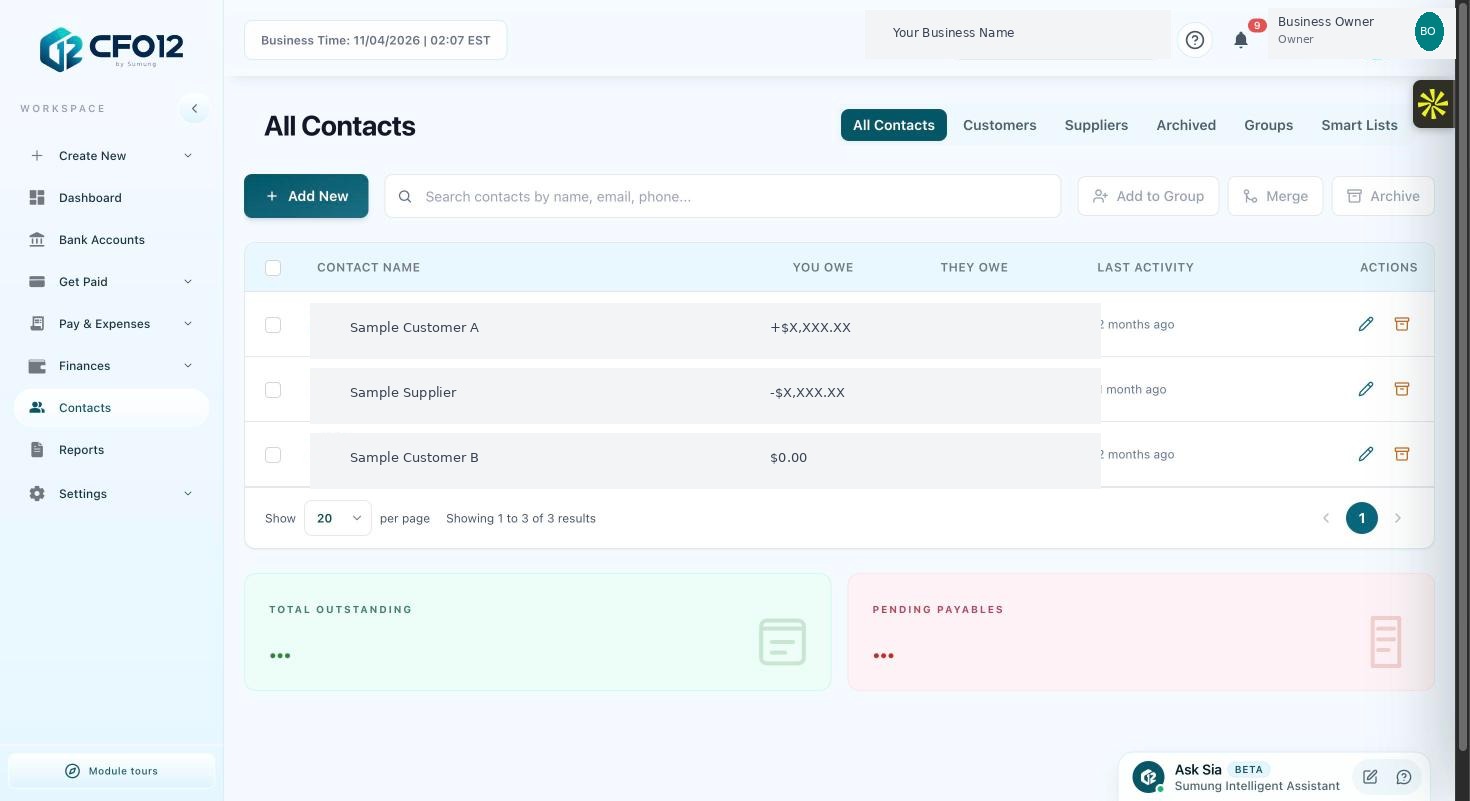
Use the search or filter tools in Contacts to quickly find a specific contact.
What You Can Do
- Go to Contacts.
- Use the available search field.
- Type the contact's name or part of their name.
- The list filters to show matching contacts.
- Click the contact to open their details.
💡 Search is case-insensitive — you do not need to match the exact capitalisation.
Related Articles
- How to View All Contacts
- How to Add a New Contact
- Overview of Contacts
Was this article helpful?
Your feedback helps us improve our documentation.