Review your Contacts list to identify and clean up duplicate entries.
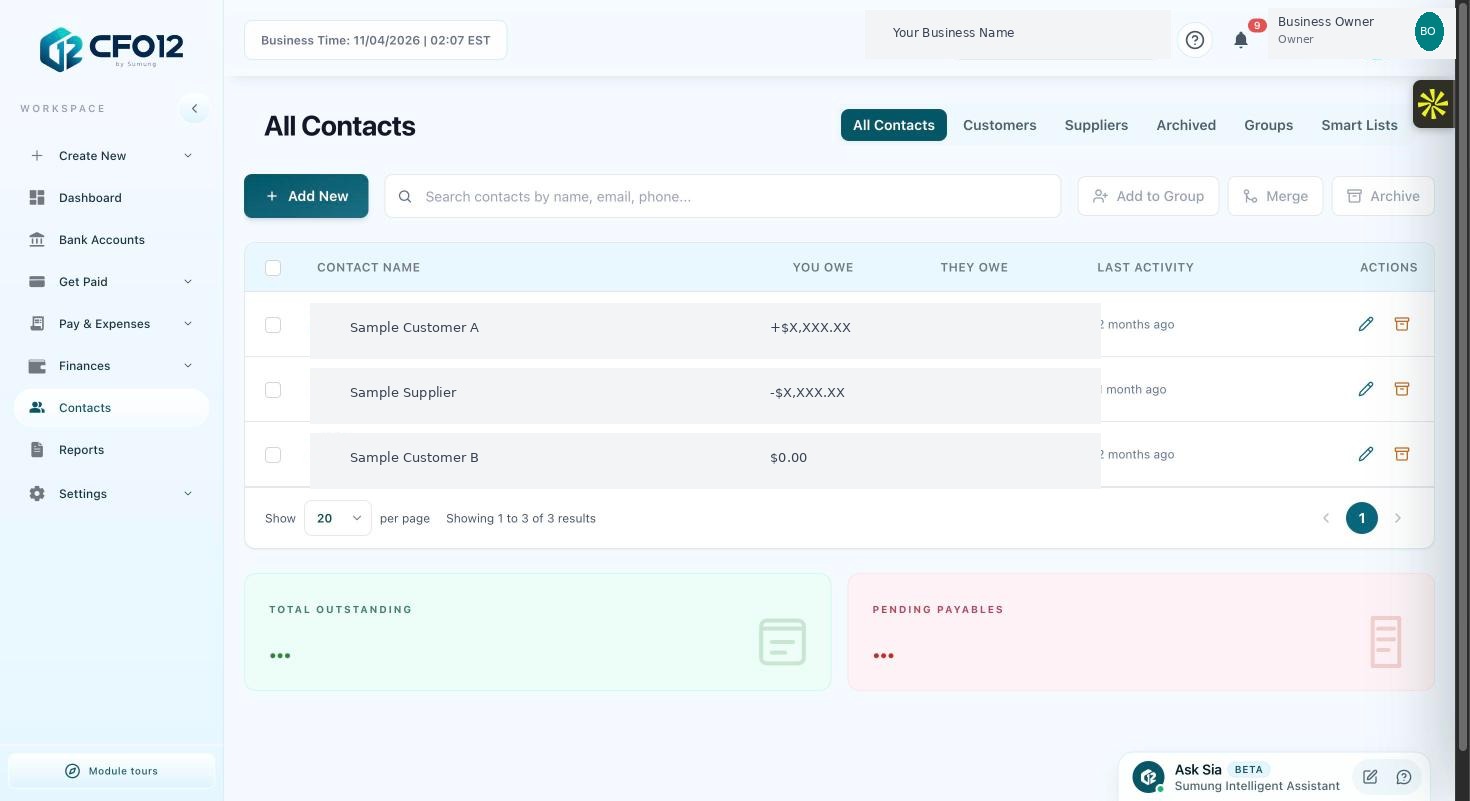
What You Can Do
- Go to Contacts > All tab.
- Browse or search for contacts that may be duplicated.
- Look for contacts with the same or very similar names.
- Compare their transaction histories to confirm they are the same entity.
- Archive or remove the extra record if it has no linked transactions.
- To merge duplicates that both have transactions, select both contacts and click the Merge button in the toolbar.
💡 Use the Merge button to combine two contacts into one — all transaction history is consolidated onto the surviving record.
Related Articles
- How to Archive a Contact
- How to Search for a Contact
- Overview of Contacts
Was this article helpful?
Your feedback helps us improve our documentation.